There are two ways to share your widget link. First option:
1. From the side menu, click on the Share booking link tab.
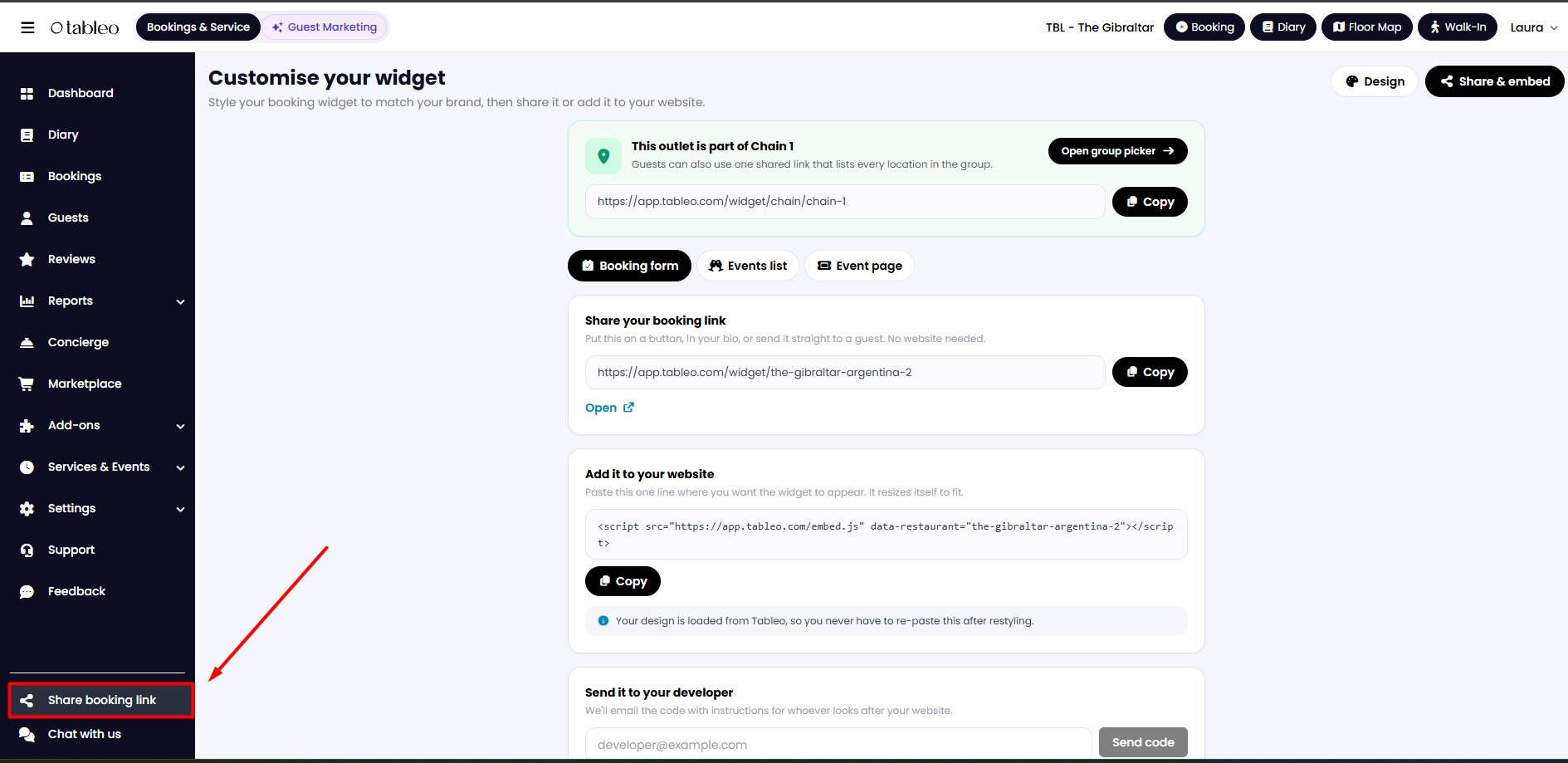
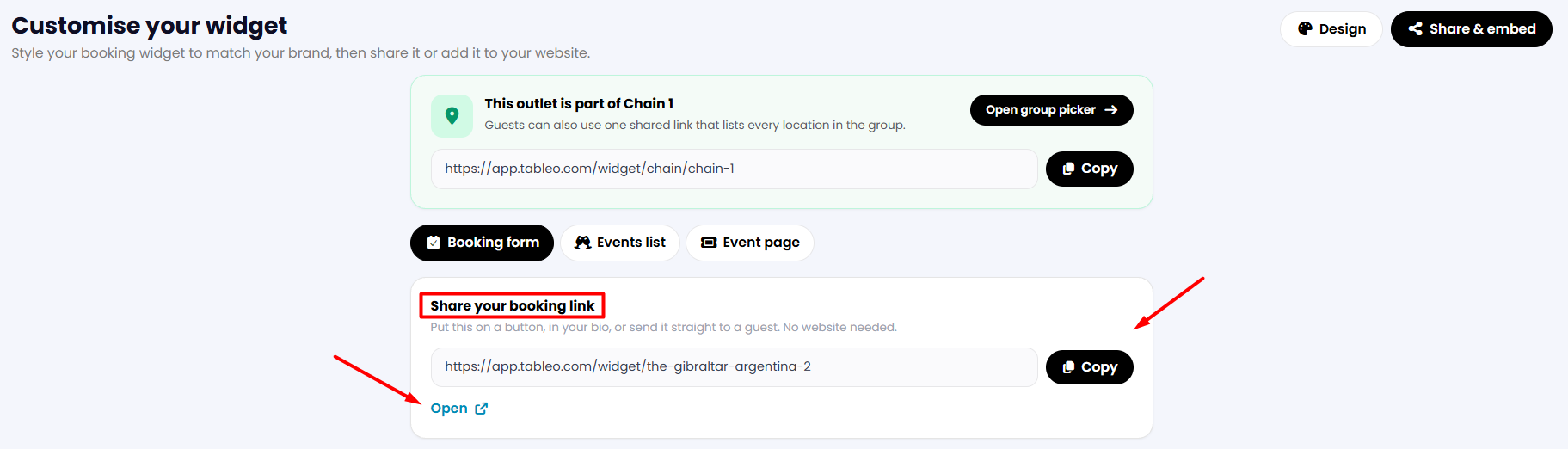
2. In the Share your booking link section, you can click on the Copy button to share your widget URL. You can also open a preview by clicking on the Open button below.
Second option:
1. Go to your Tableo account and navigate to Settings > Account settings > Online bookings.
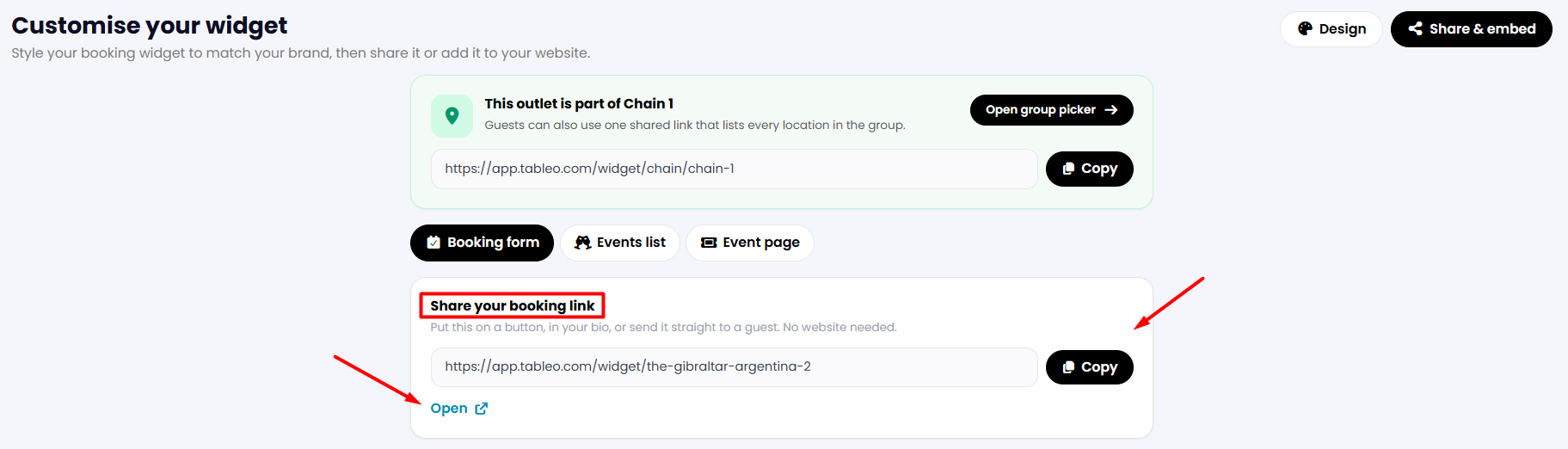
2. Click the Share & embed button in the top right-hand corner of the page.

3. In the Share your booking link section, you can click on the Copy button to share your widget URL. You can also open a preview by clicking on the Open button below.
Was this article helpful?
That’s Great!
Thank you for your feedback
Sorry! We couldn't be helpful
Thank you for your feedback
Feedback sent
We appreciate your effort and will try to fix the article