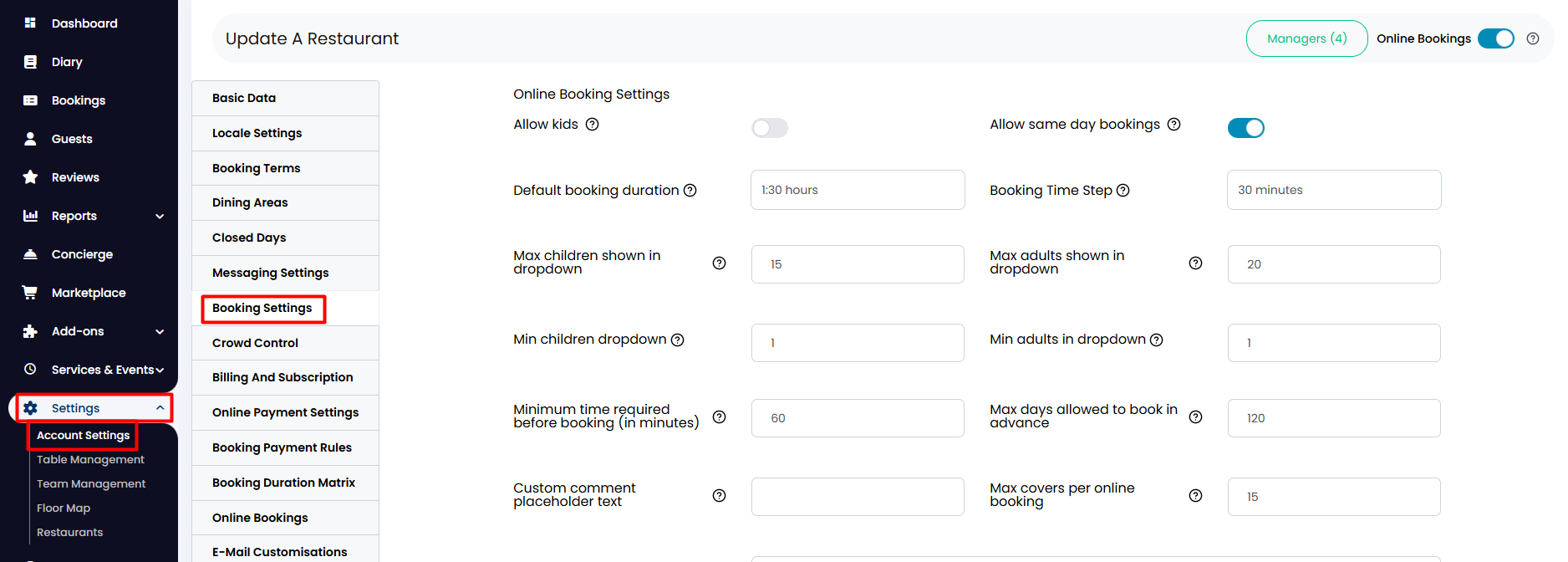
1. From the side menu, go to Settings > Account Settings > Booking Settings.
2. Scroll down and click on Widget booking form options to display new options. If you would like your guests to be able to indicate any dietary restrictions at the moment of reservation, just click on the corresponding toggle to activate it.

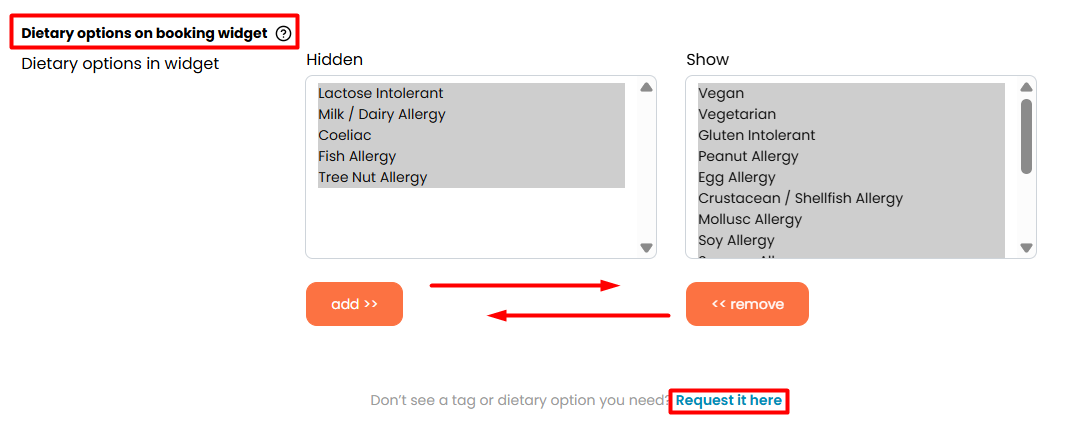
3. Below, you will find the Dietary options on booking widget section, where you can customize the dietary options you want to be eligible for on the widget. Just click on the selected option and click on the Add or Remove buttons as you please.
In case the tag you are looking for is not available, you can request it at the bottom part by clicking on the option Request it here below.
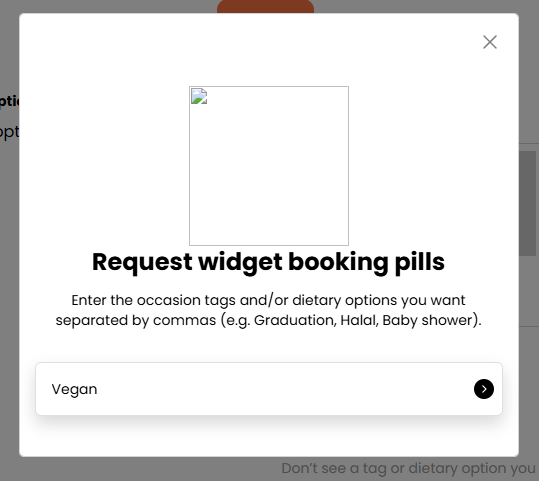
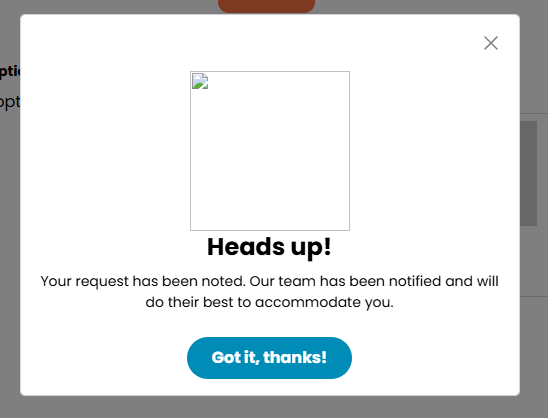
4. A new tab will open where you can type the tag you wish for, and by clicking the right arrow, a Heads Up! notification will appear. We will do our best to accommodate your request.
When finished, click on the Update button below.

Was this article helpful?
That’s Great!
Thank you for your feedback
Sorry! We couldn't be helpful
Thank you for your feedback
Feedback sent
We appreciate your effort and will try to fix the article