1. From the top of the screen, click on the Guest Marketing button. Then, on the side menu, go to Conversions.
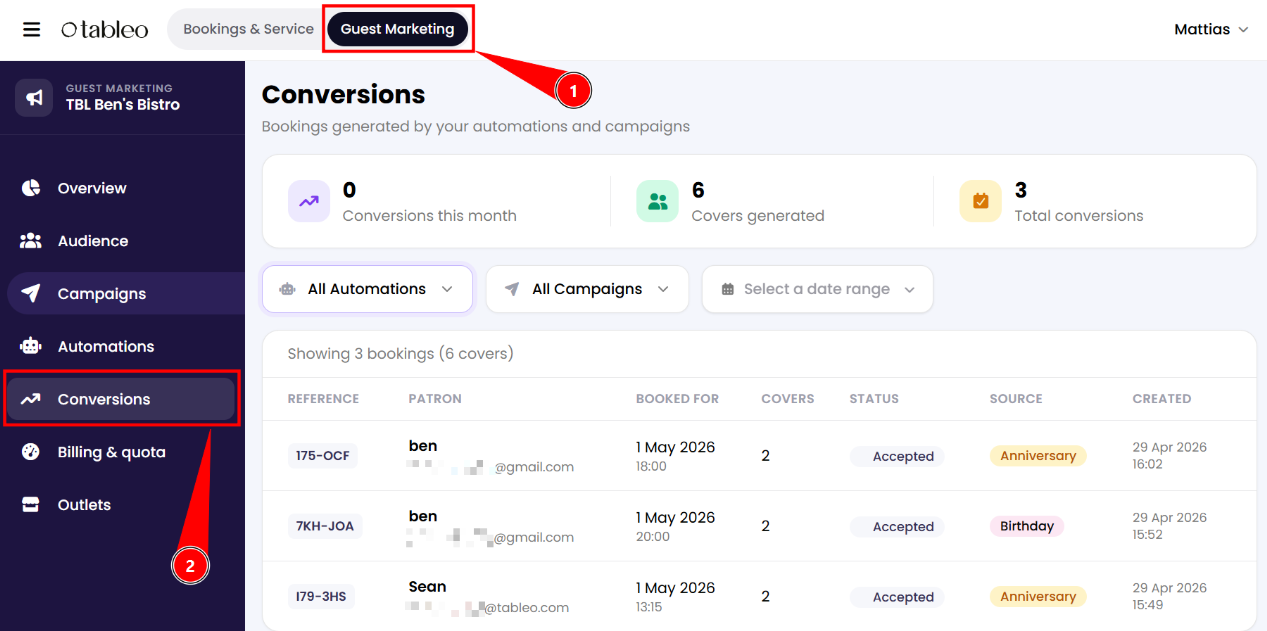
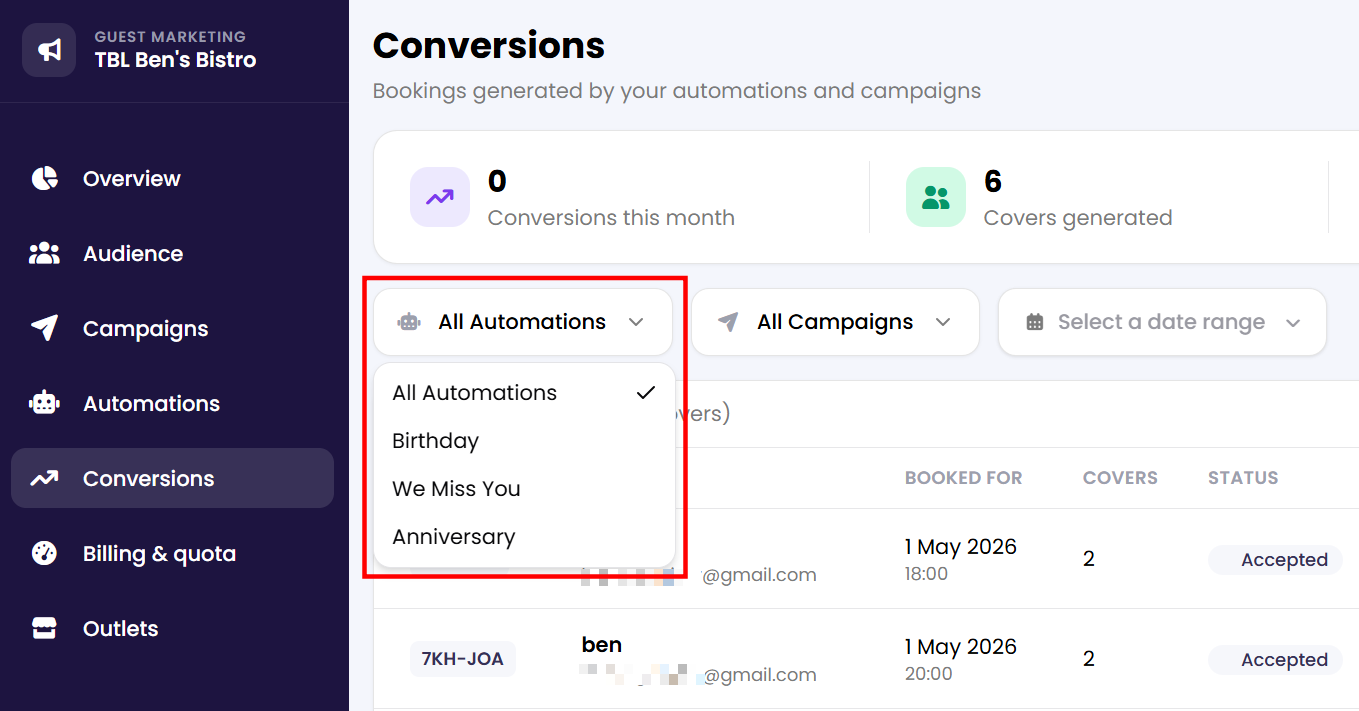
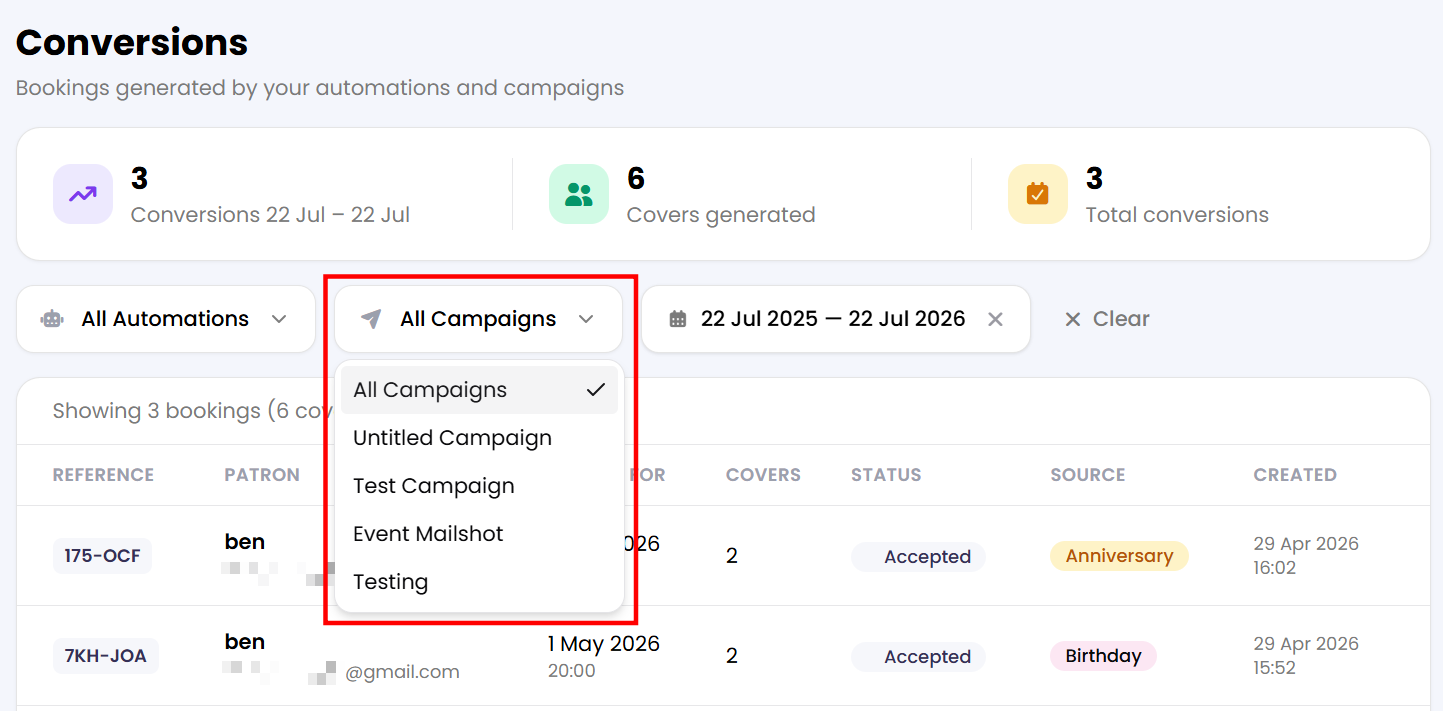
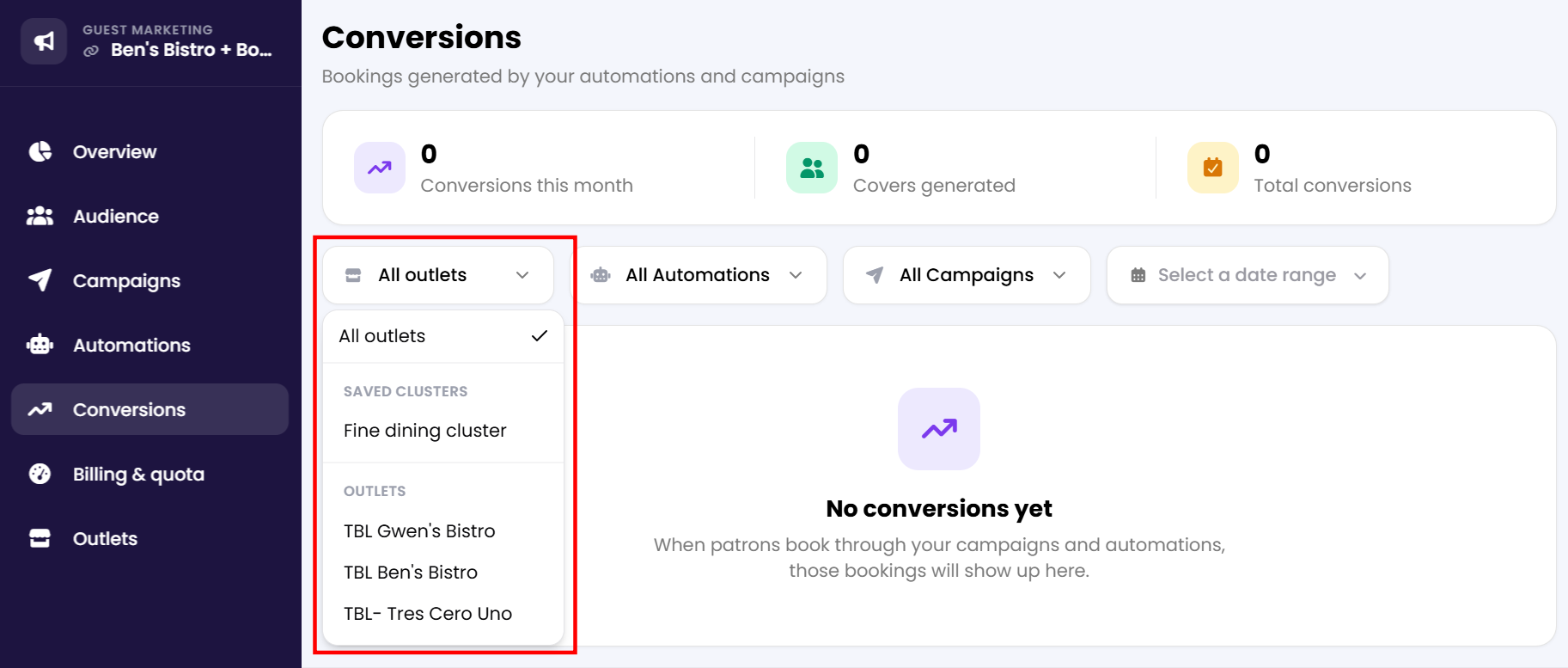
2. A list of all bookings generated by your automations or campaigns will appear on the screen (if any). You can filter the list by a specific automation, campaign, or outlet to track each one individually.
Was this article helpful?
That’s Great!
Thank you for your feedback
Sorry! We couldn't be helpful
Thank you for your feedback
Feedback sent
We appreciate your effort and will try to fix the article