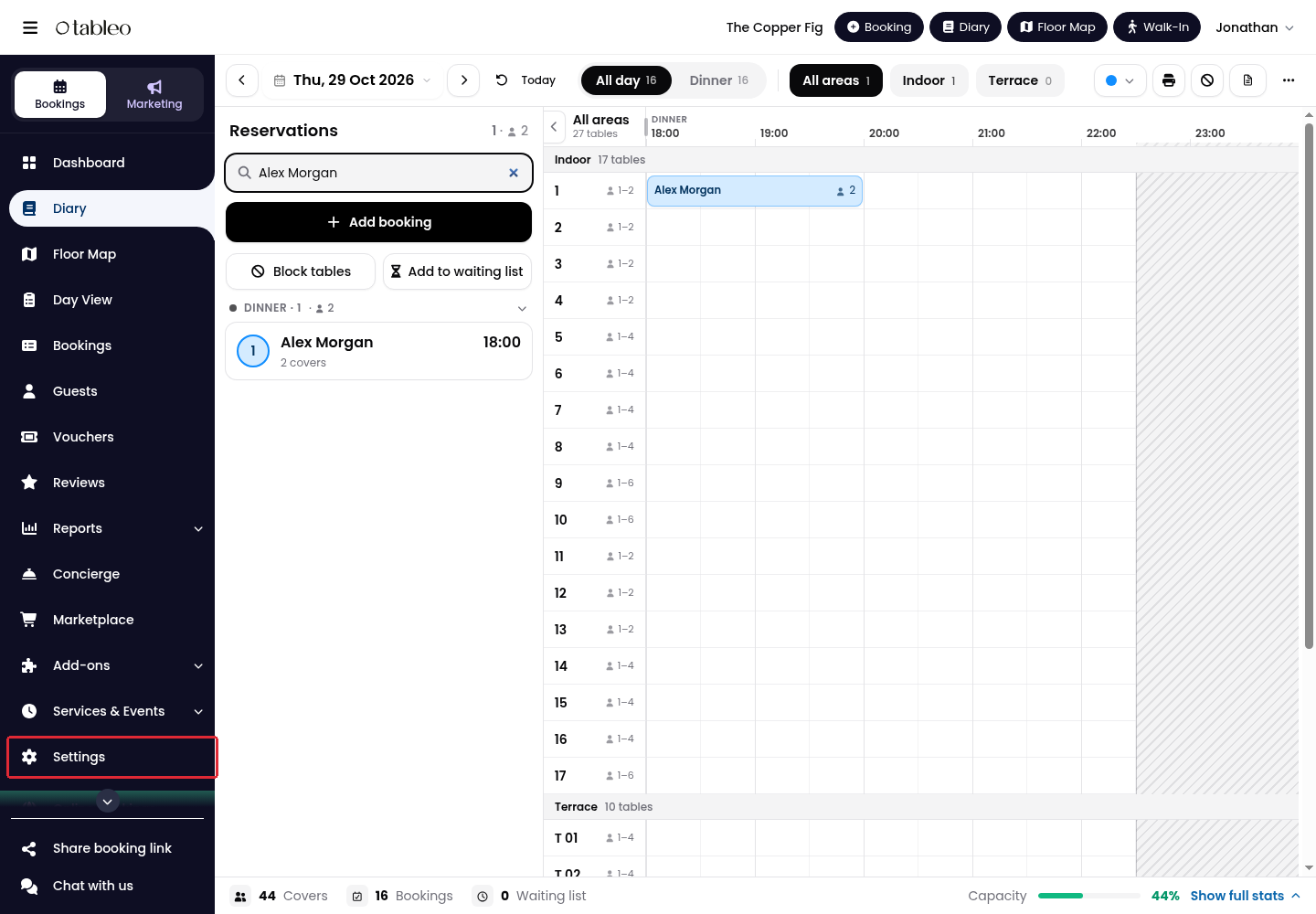
1. Click Settings in the side menu.
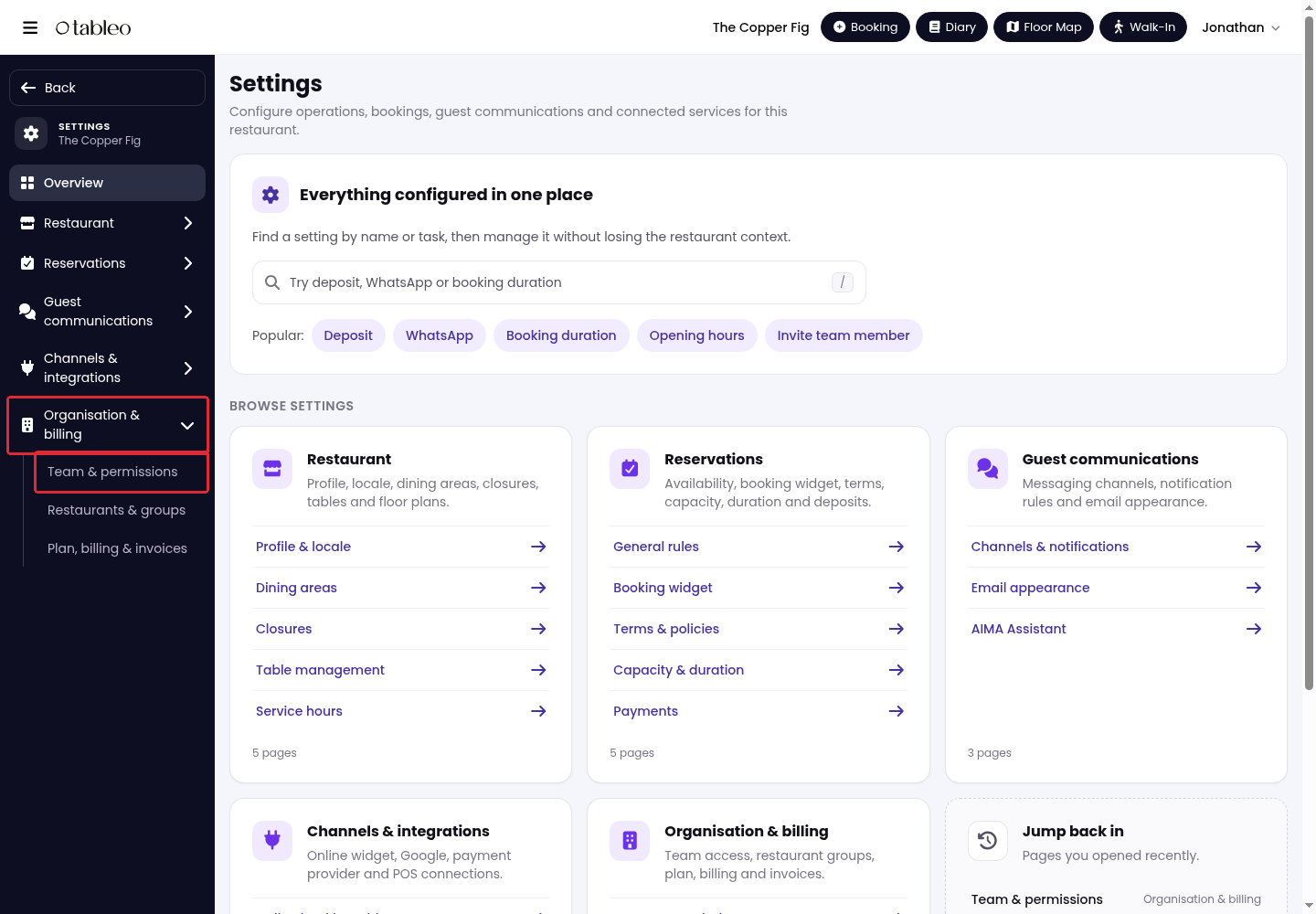
2. Open Organisation & billing → Team & permissions.
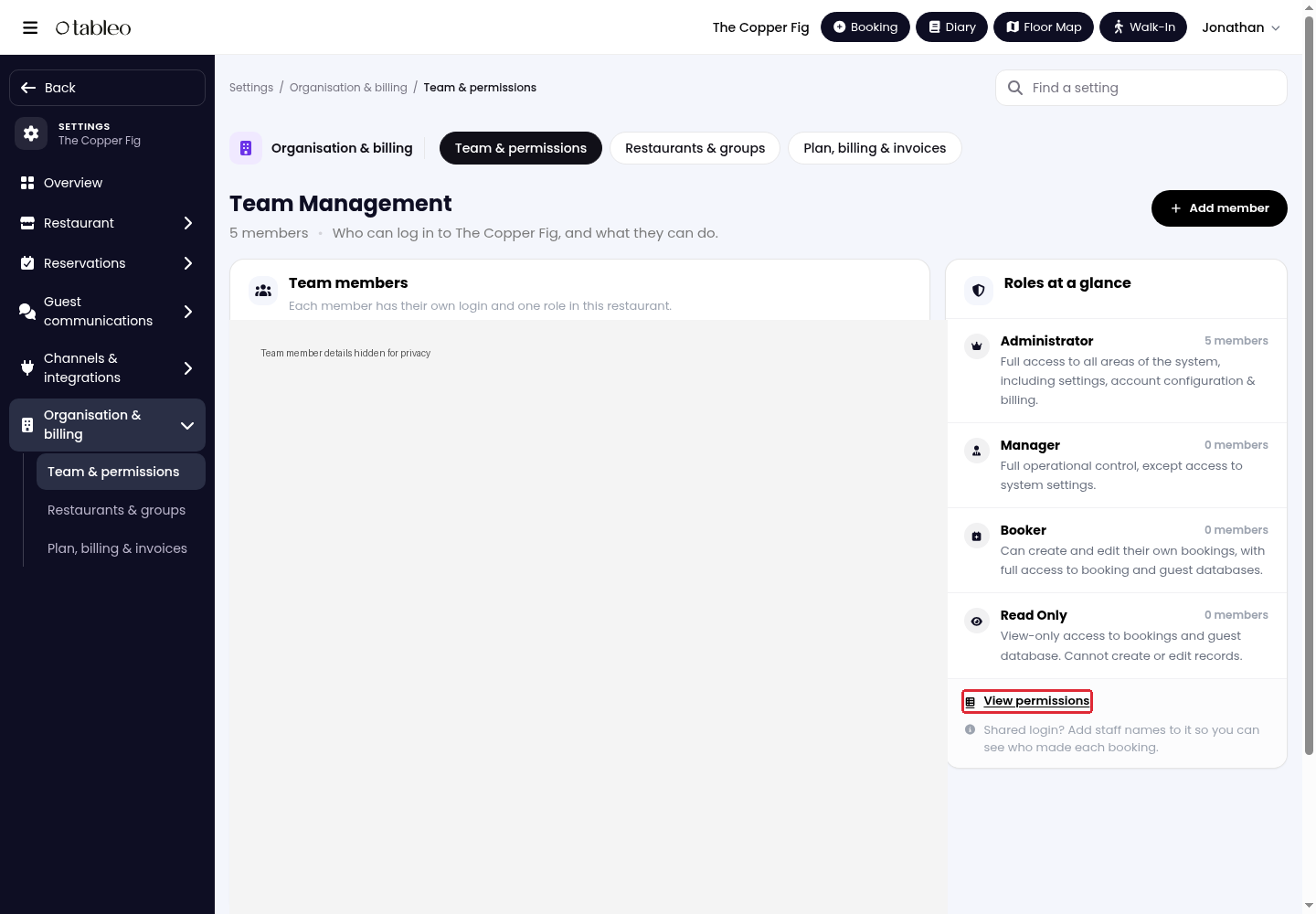
3. Under Roles at a glance, click View permissions.
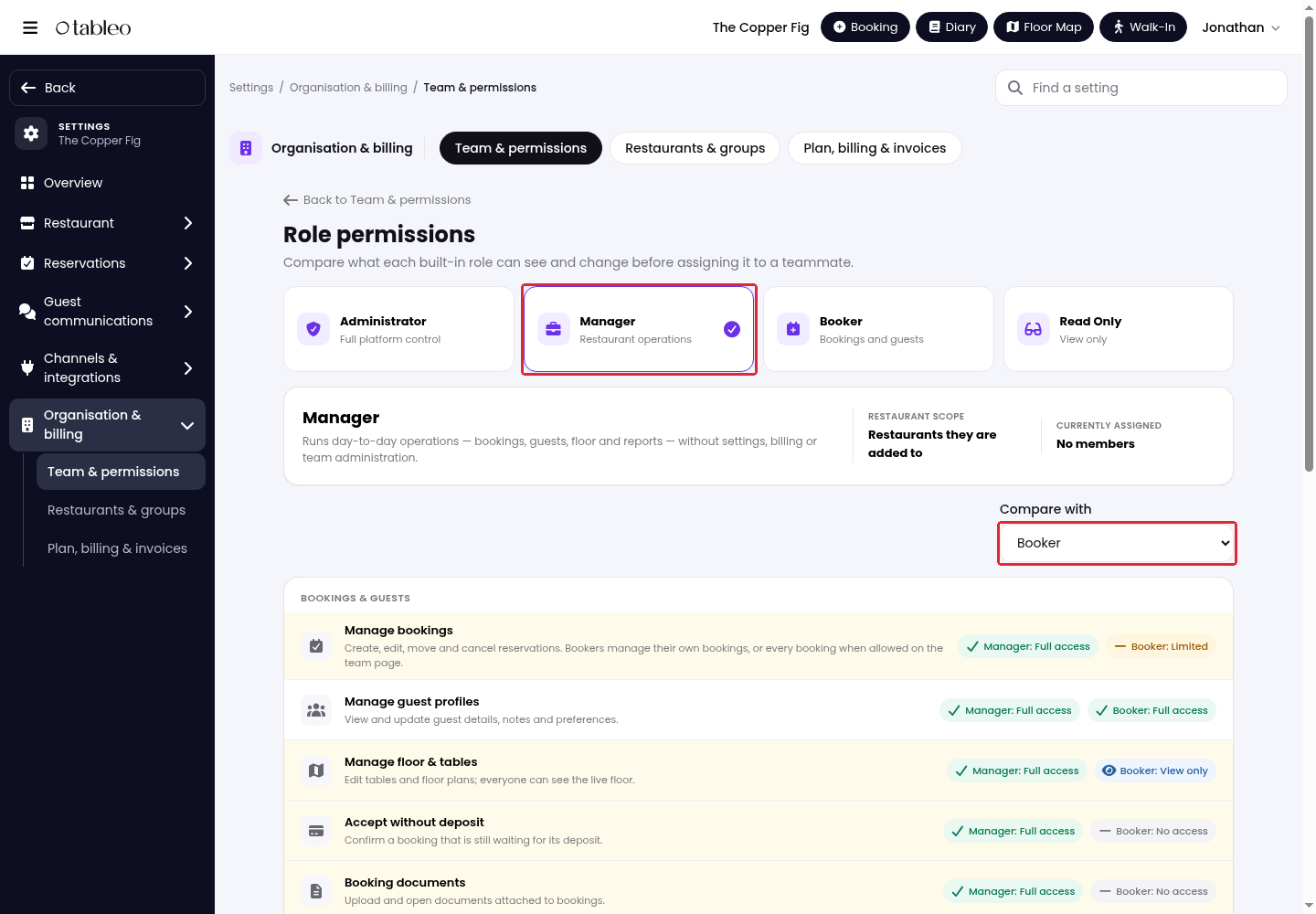
4. Select a role to see its permissions. Use Compare with to compare it with another role, then scroll down to review access to each feature.
Available roles
- Administrator: Full access to this restaurant, including settings, billing, integrations, and team access.
- Manager: Manages bookings, guests, tables, reviews, vouchers, and operational reports. Cannot access system settings, billing, team administration, the revenue report, service availability or marketing.
- Booker: Creates and manages their own bookings, or all bookings when allowed on the team page. Can view and update guest profiles and view the live floor, but cannot change tables or floor plans.
- Read Only: Can view the Diary, bookings, guests, and live floor, but cannot create or edit records.
Each team member has one role per restaurant. Roles have fixed permissions, and access is limited to the restaurants they are added to.
To assign or change a role, return to Team & permissions and use Add member or Edit. Select the role under Role and access, then click Add member for a new member or Save changes for an existing member.
While we strive to ensure the accuracy and currency of the information in our knowledge base, some articles may contain minor discrepancies due to the constant evolution of our services and products.
Was this article helpful?
That’s Great!
Thank you for your feedback
Sorry! We couldn't be helpful
Thank you for your feedback
Feedback sent
We appreciate your effort and will try to fix the article