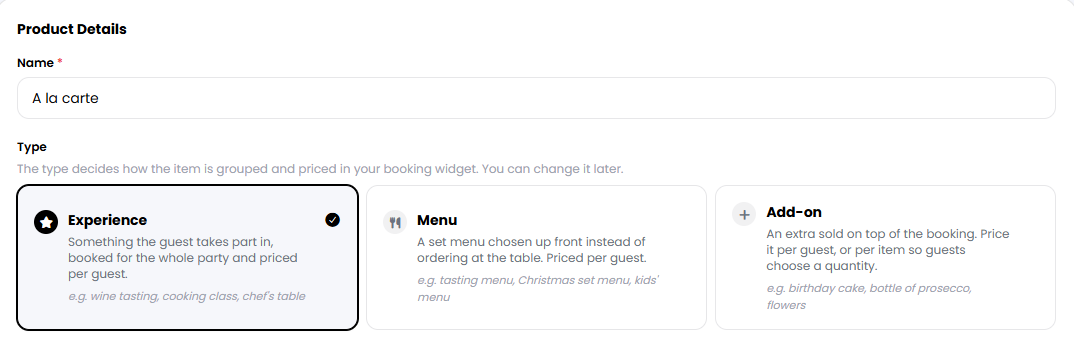
For a product to be mandatory, it must be set as an Experience or Menu when selecting its type, either when creating the product or when editing it later. If you would like a product to be optional instead, select Add-on as its type. To create a product, you can follow the guide at this link.
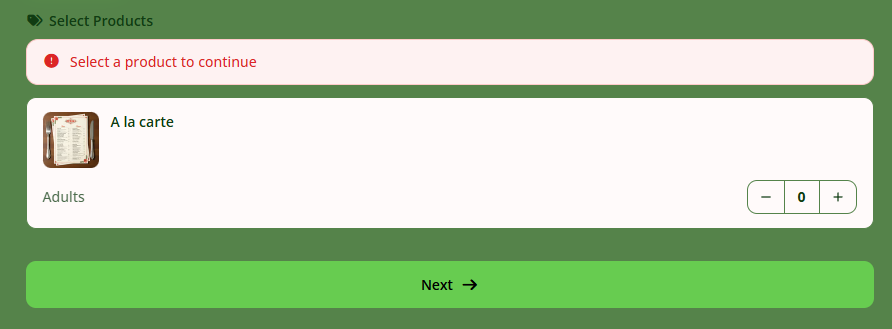
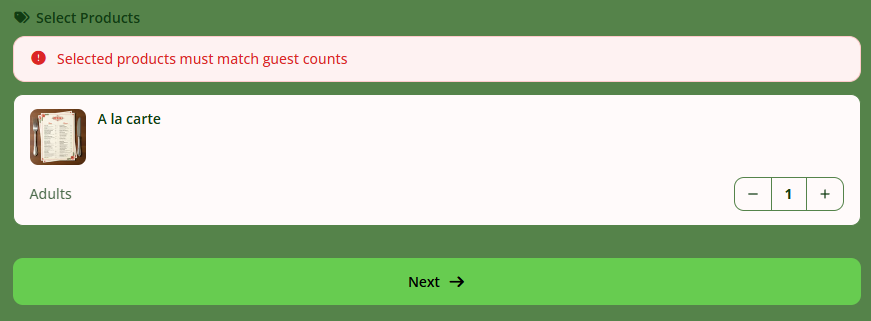
All products displayed on your widget that have been created that way will be mandatory for the specific combination of days, service hours, and dining areas to which they are assigned. Customers will not be able to proceed with their booking unless they select the required product and the quantity selected matches the number of guests in the booking.
Was this article helpful?
That’s Great!
Thank you for your feedback
Sorry! We couldn't be helpful
Thank you for your feedback
Feedback sent
We appreciate your effort and will try to fix the article