To download the App:
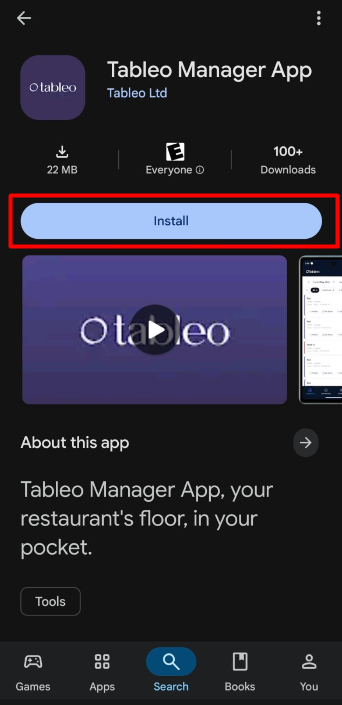
On Android:
1. Go to the Google Play Store.
2. Go to the search box at the top and type “Tableo”.
3. Open the Tableo Manager App and click the Install button.
4. Open the App once it’s downloaded and log in with your credentials.
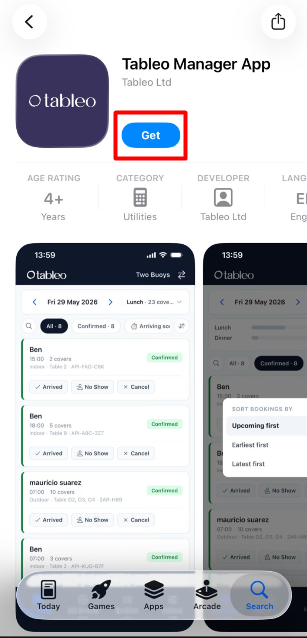
On IOS:
1. Go to the App Store.
2. Go to the search box in the lower-right corner and type “Tableo”.
3. Open Tableo Manager App and click the Get button.
4. Open the App once it’s downloaded and log in with your credentials.
Was this article helpful?
That’s Great!
Thank you for your feedback
Sorry! We couldn't be helpful
Thank you for your feedback
Feedback sent
We appreciate your effort and will try to fix the article