1. Click on Day View in the side menu.
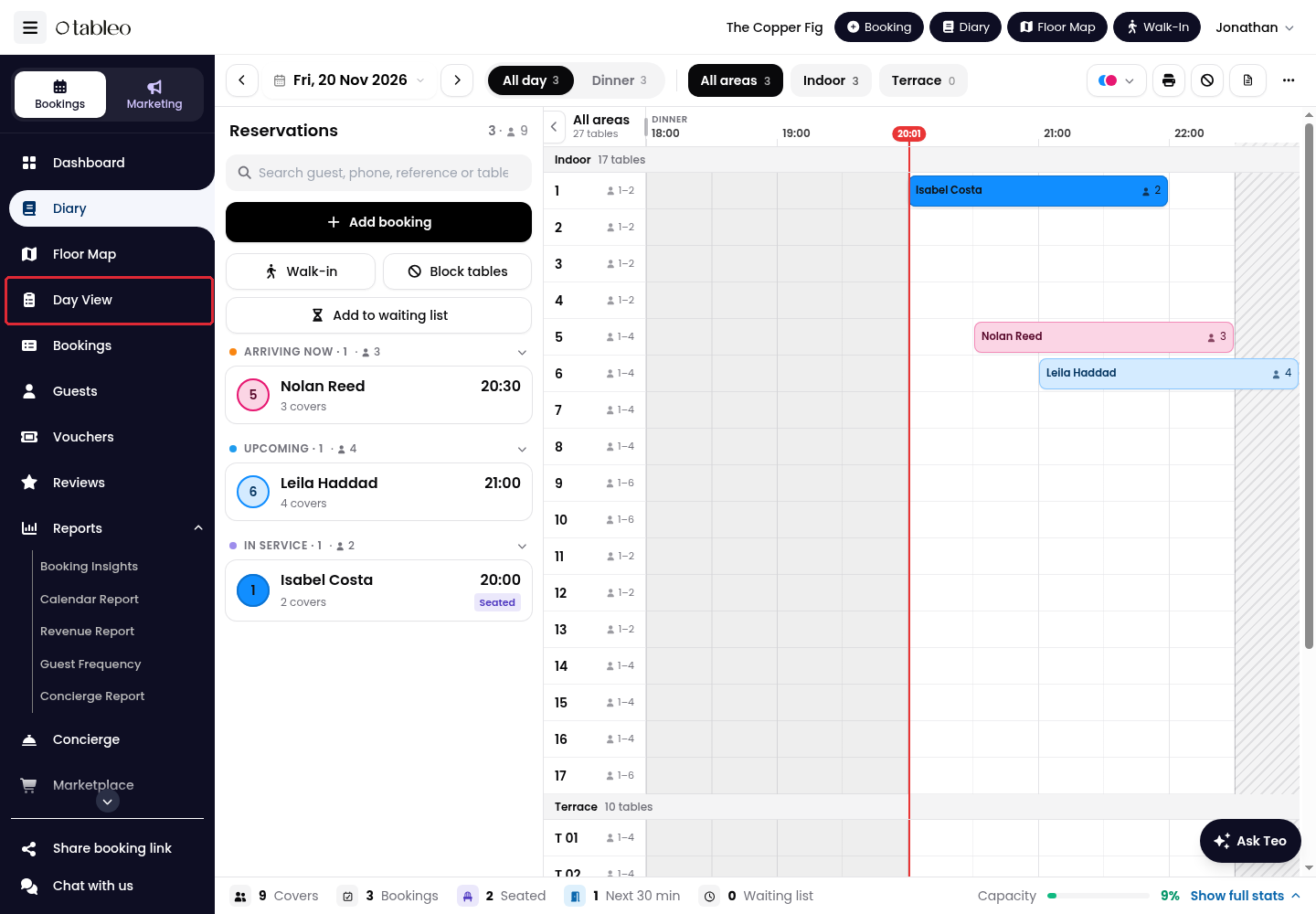
2. Use the date selector or arrows to choose the service date. Click on Today to return to today. Select a service tab to focus the list, or All to see the day.
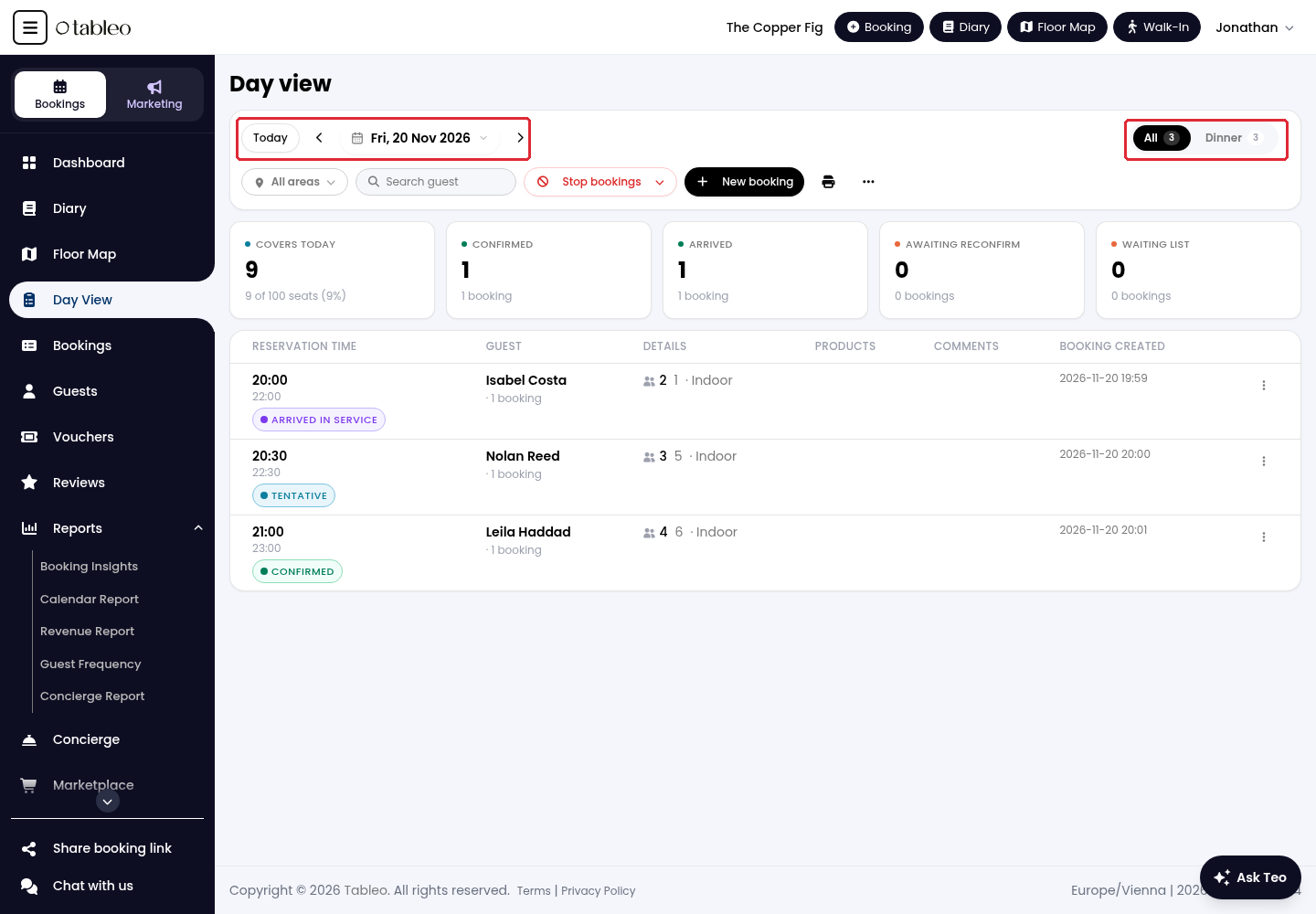
3. Use All areas to filter by dining area. Enter a guest name in Search guest to find a booking.
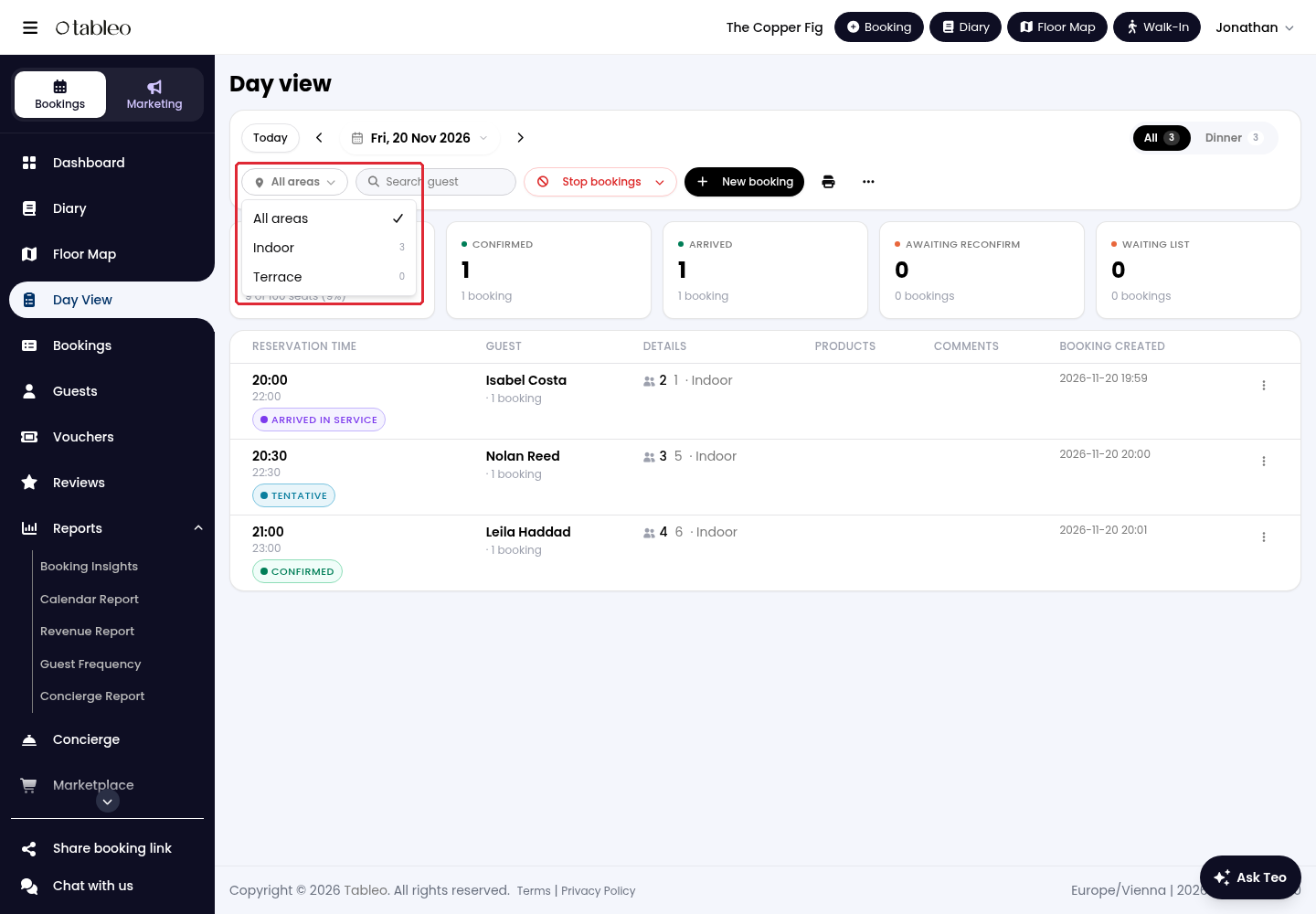
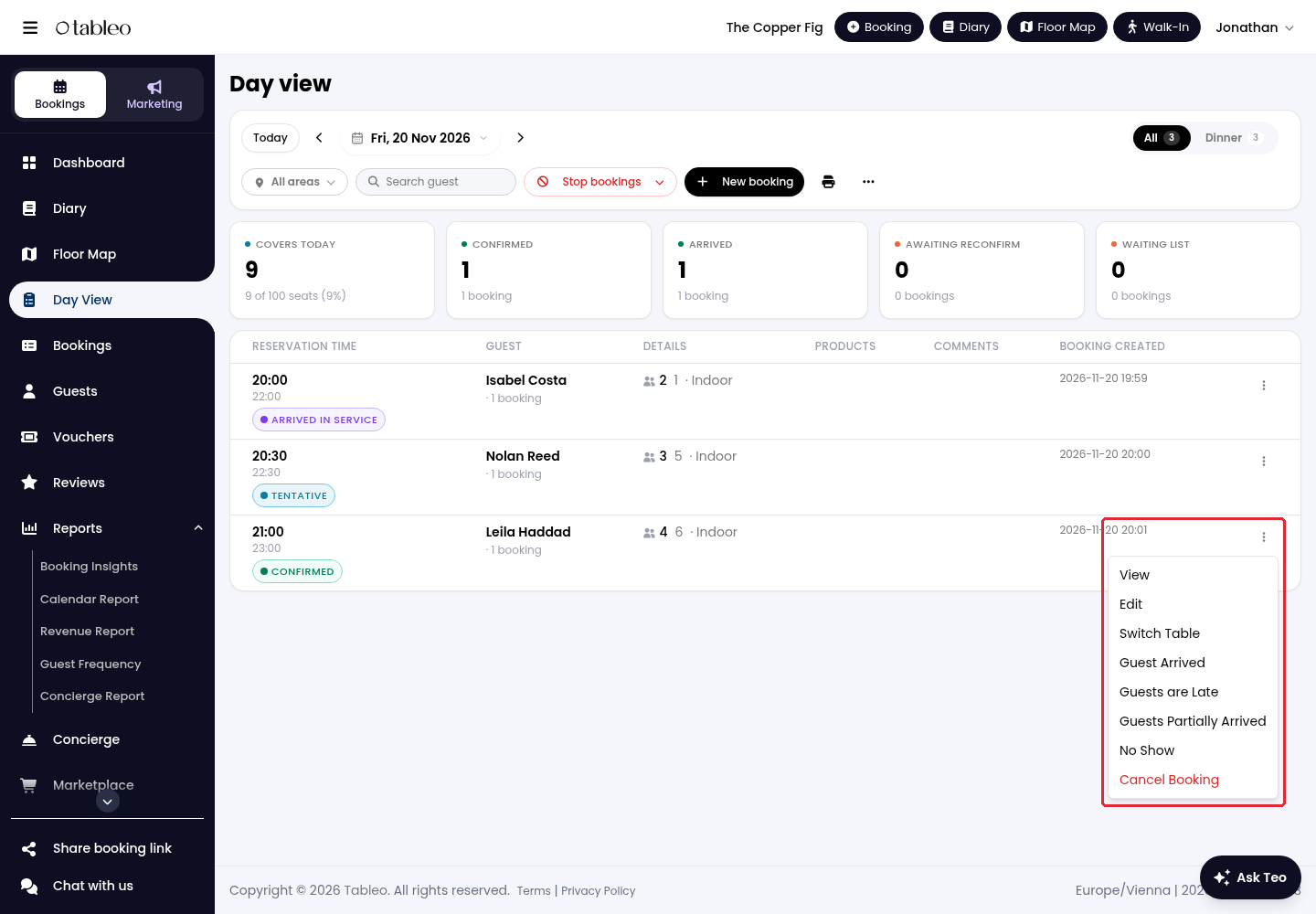
4. Review Covers today, Confirmed, Arrived, Awaiting reconfirm and Waiting list above the booking list. Each row shows the reservation time, guest, party size, table and booking status.
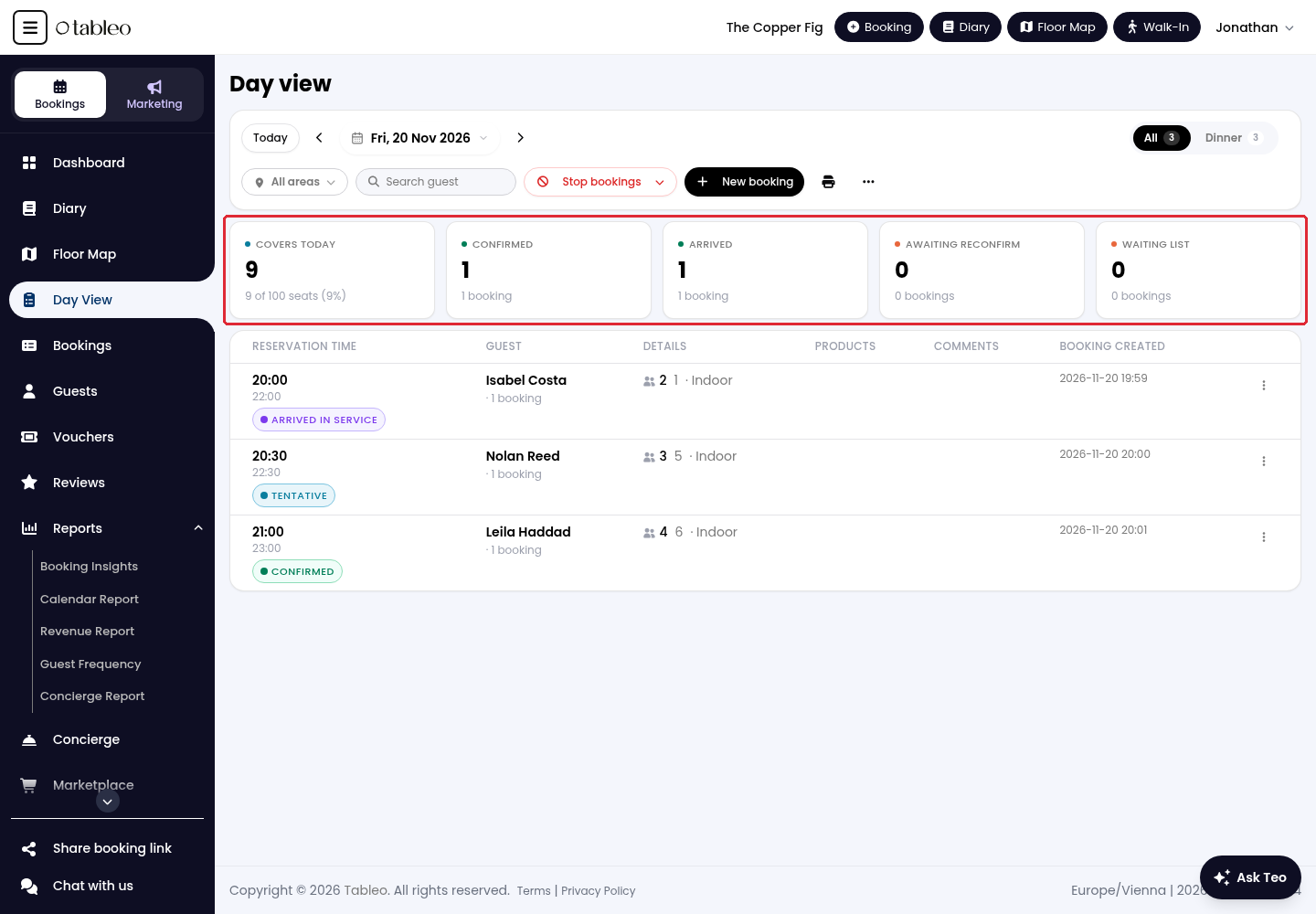
5. Click on the three-dot Actions menu at the end of a booking row. Choose View to open its details, Edit to change the booking, or Switch Table to move its table assignment.
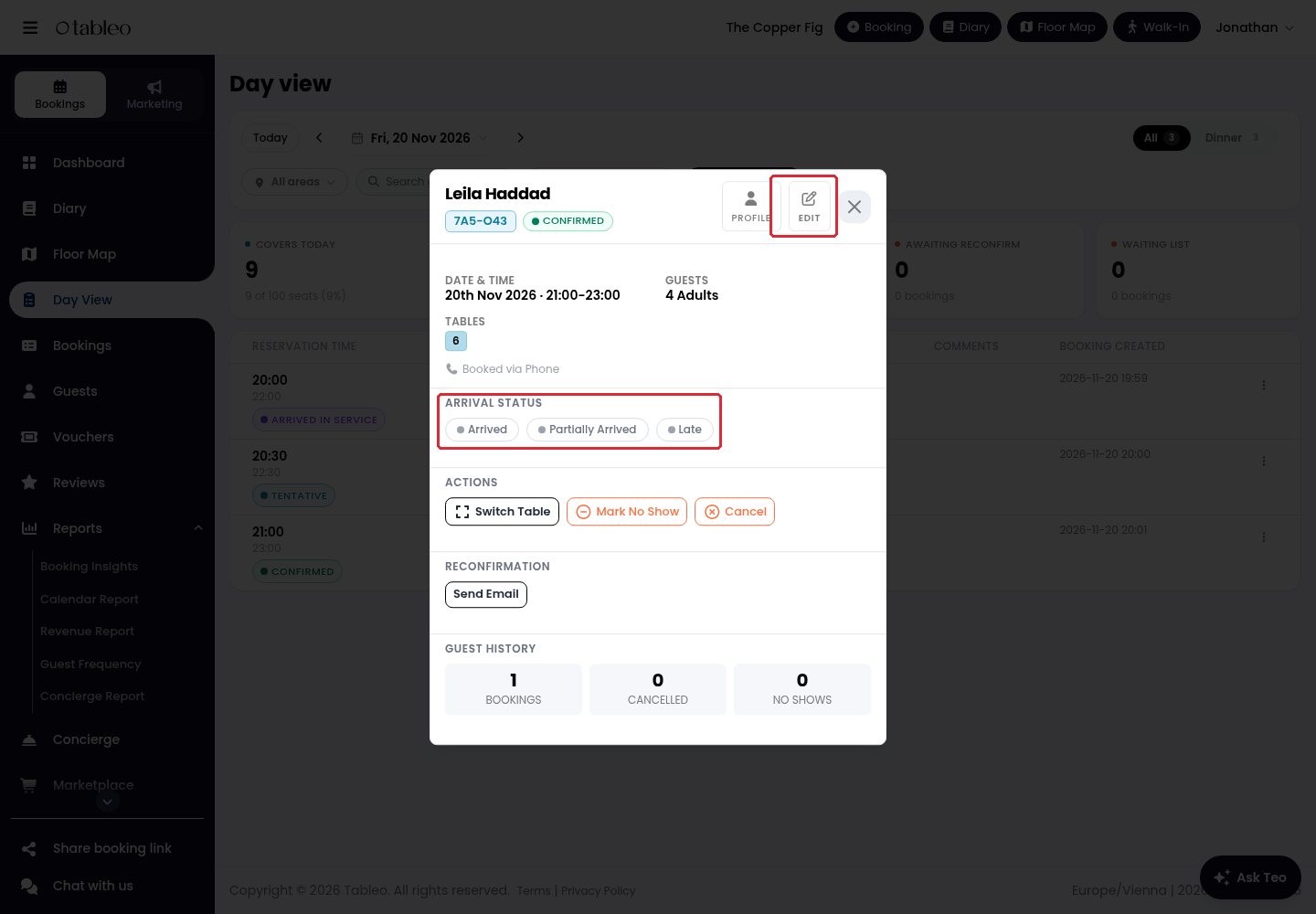
6. In the booking details, update Arrival status with Arrived, Partially Arrived or Late as appropriate. Use Edit for booking changes.
While we strive to ensure the accuracy and currency of the information in our knowledge base, some articles may contain minor discrepancies due to the constant evolution of our services and products.
Was this article helpful?
That’s Great!
Thank you for your feedback
Sorry! We couldn't be helpful
Thank you for your feedback
Feedback sent
We appreciate your effort and will try to fix the article