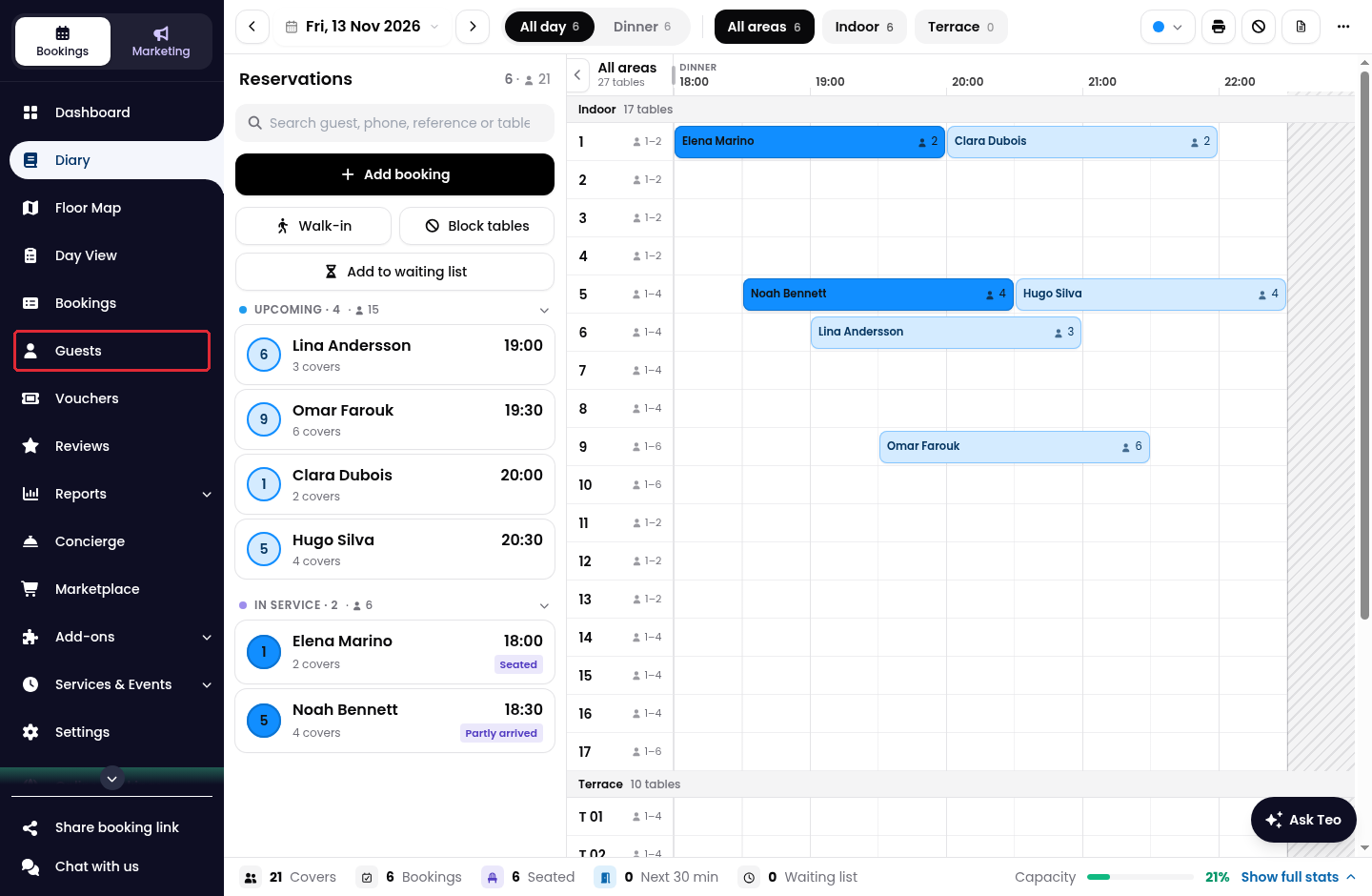
1. Click on Guests in the side menu.
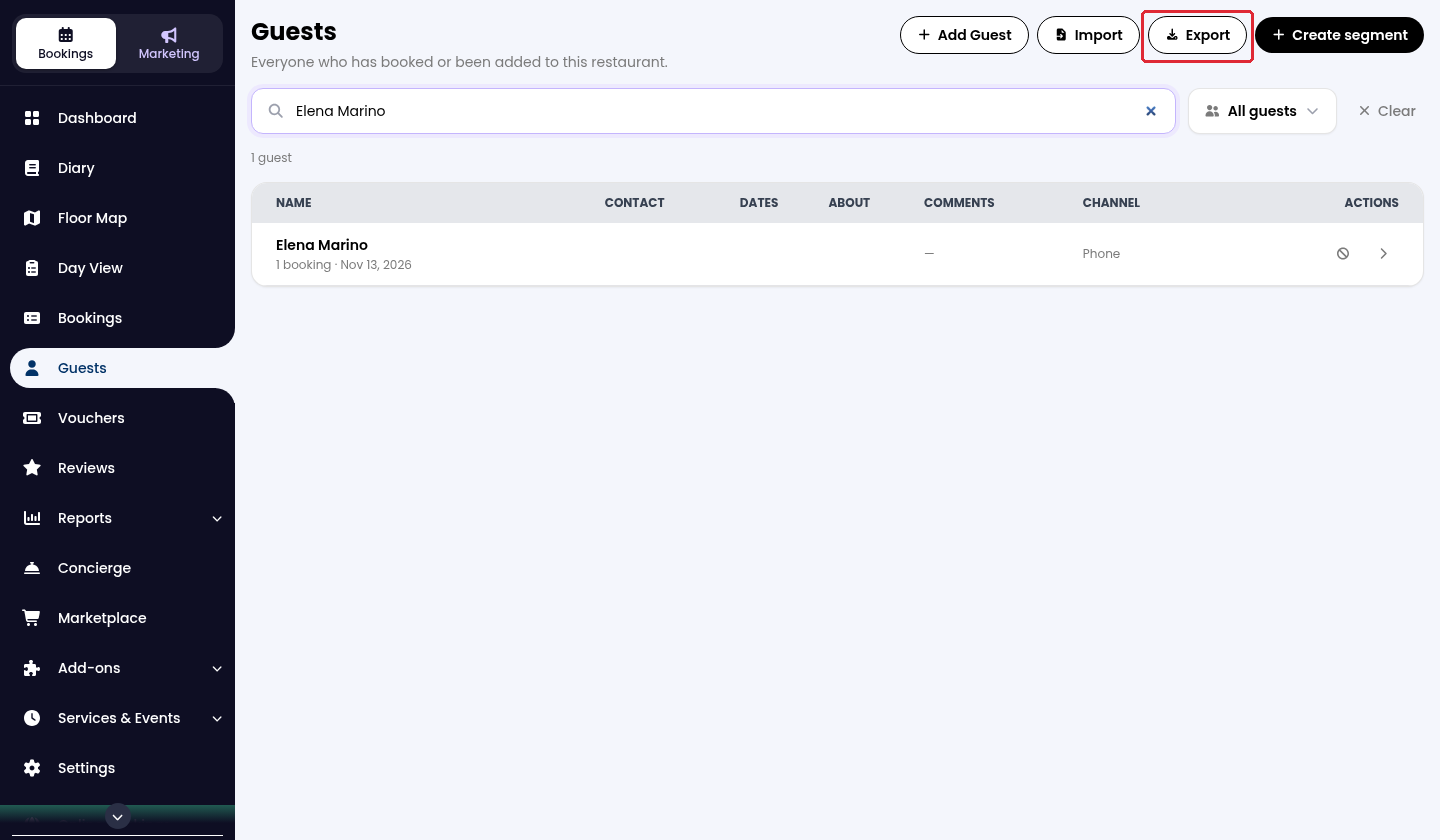
2. Use the search and guest filters to narrow the list if required, then click on Export at the top right.
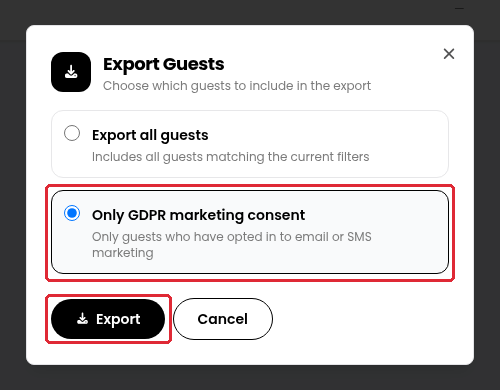
3. Select Only GDPR marketing consent to include guests who have opted in to email or SMS marketing, then click on Export.
The guest list downloads as a CSV file. Open it in a spreadsheet application to work with the available email addresses.
The Export all guests option includes all guests matching the current filters. Selecting a marketing-consent filter is not a guarantee that every exported guest has an email address or has opted in to every marketing channel. Check the available contact details and the relevant consent before using the list.
While we strive to ensure the accuracy and currency of the information in our knowledge base, some articles may contain minor discrepancies due to the constant evolution of our services and products.
Was this article helpful?
That’s Great!
Thank you for your feedback
Sorry! We couldn't be helpful
Thank you for your feedback
Feedback sent
We appreciate your effort and will try to fix the article