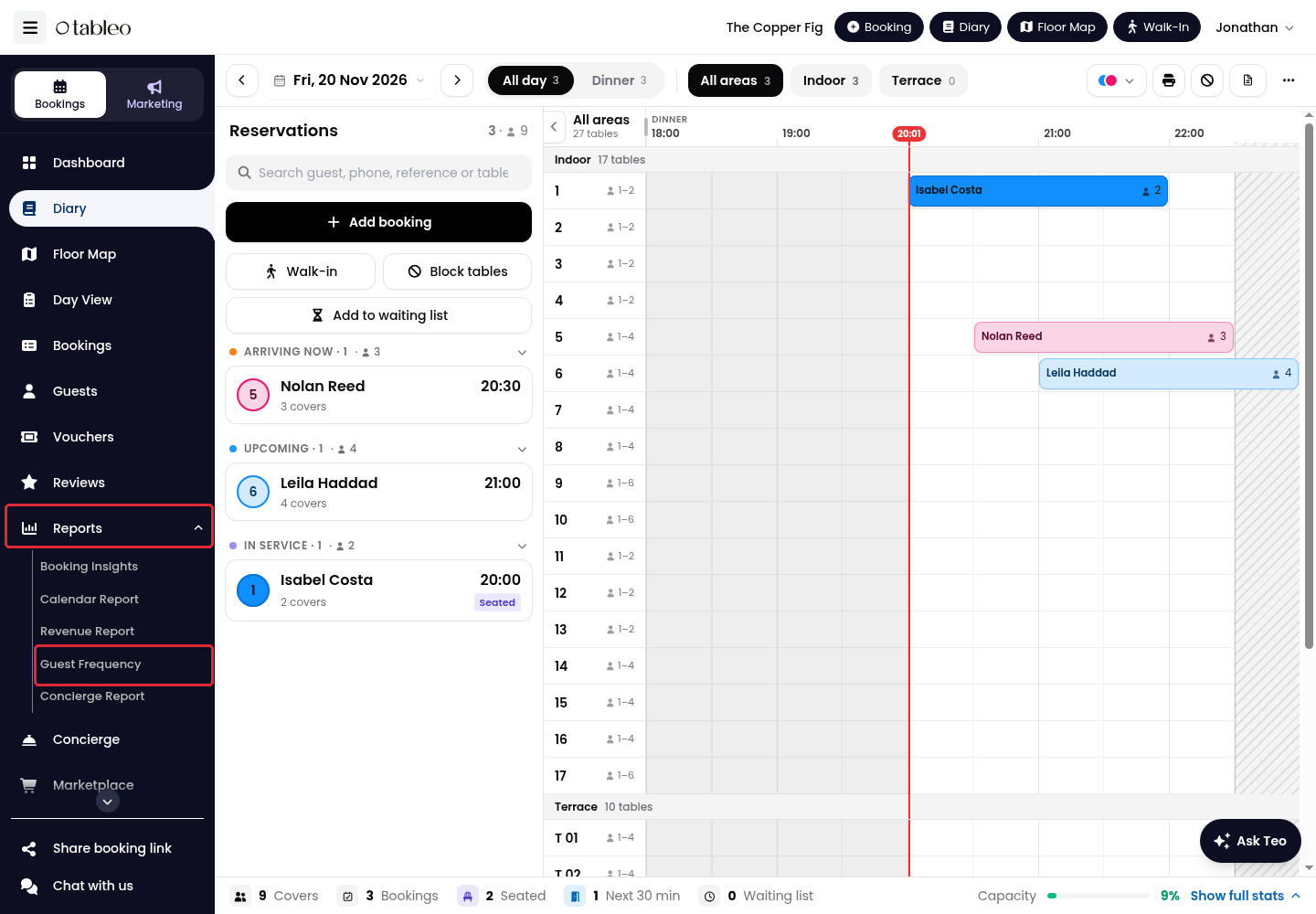
1. Expand Reports in the side menu and click on Guest Frequency.
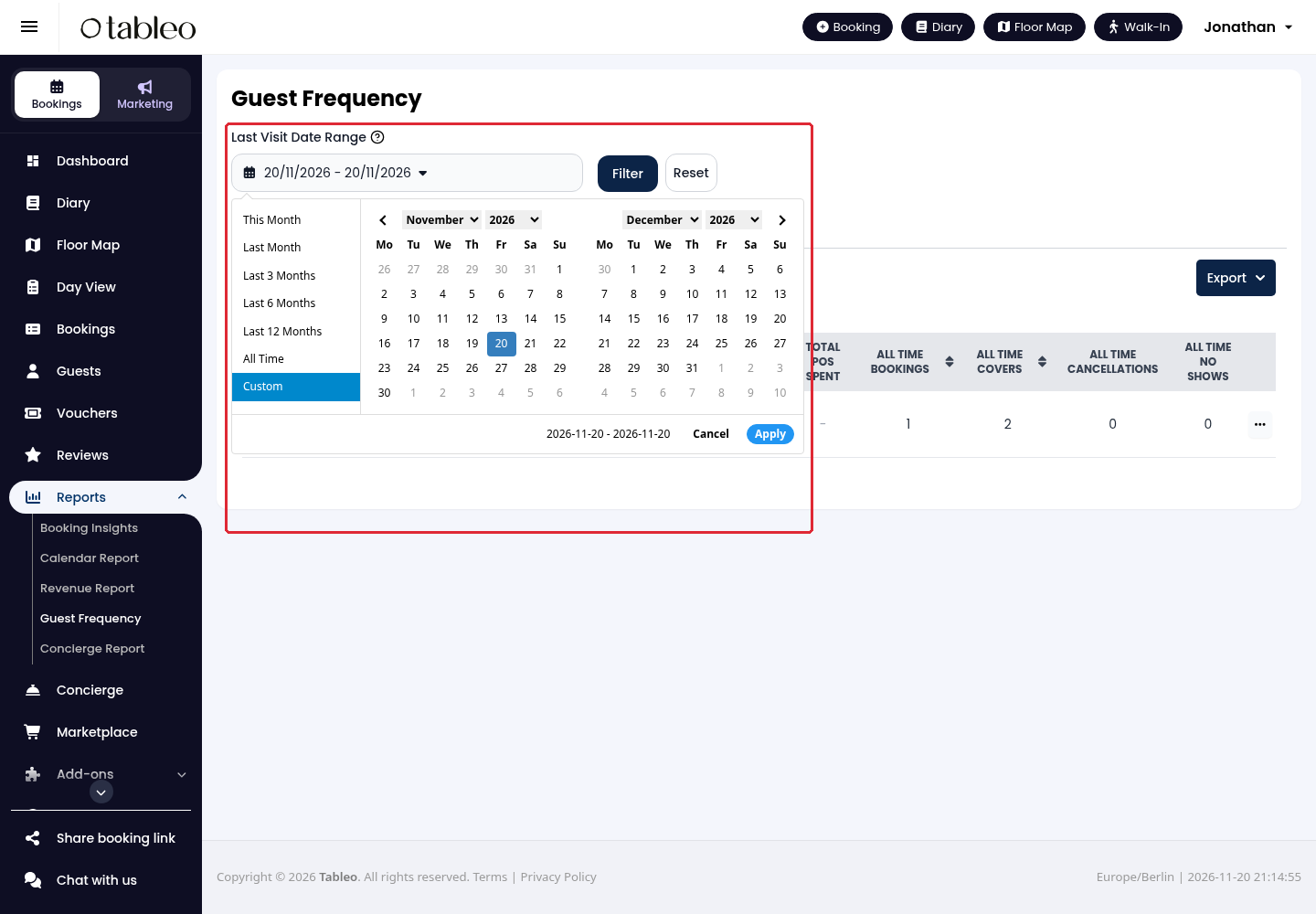
2. Choose a period in Last Visit Date Range. For specific dates, select Custom, choose the start and end dates and click on Apply. Click on Filter to update the report.
This filter selects guests by their last booking date, not by when their guest profile was created.
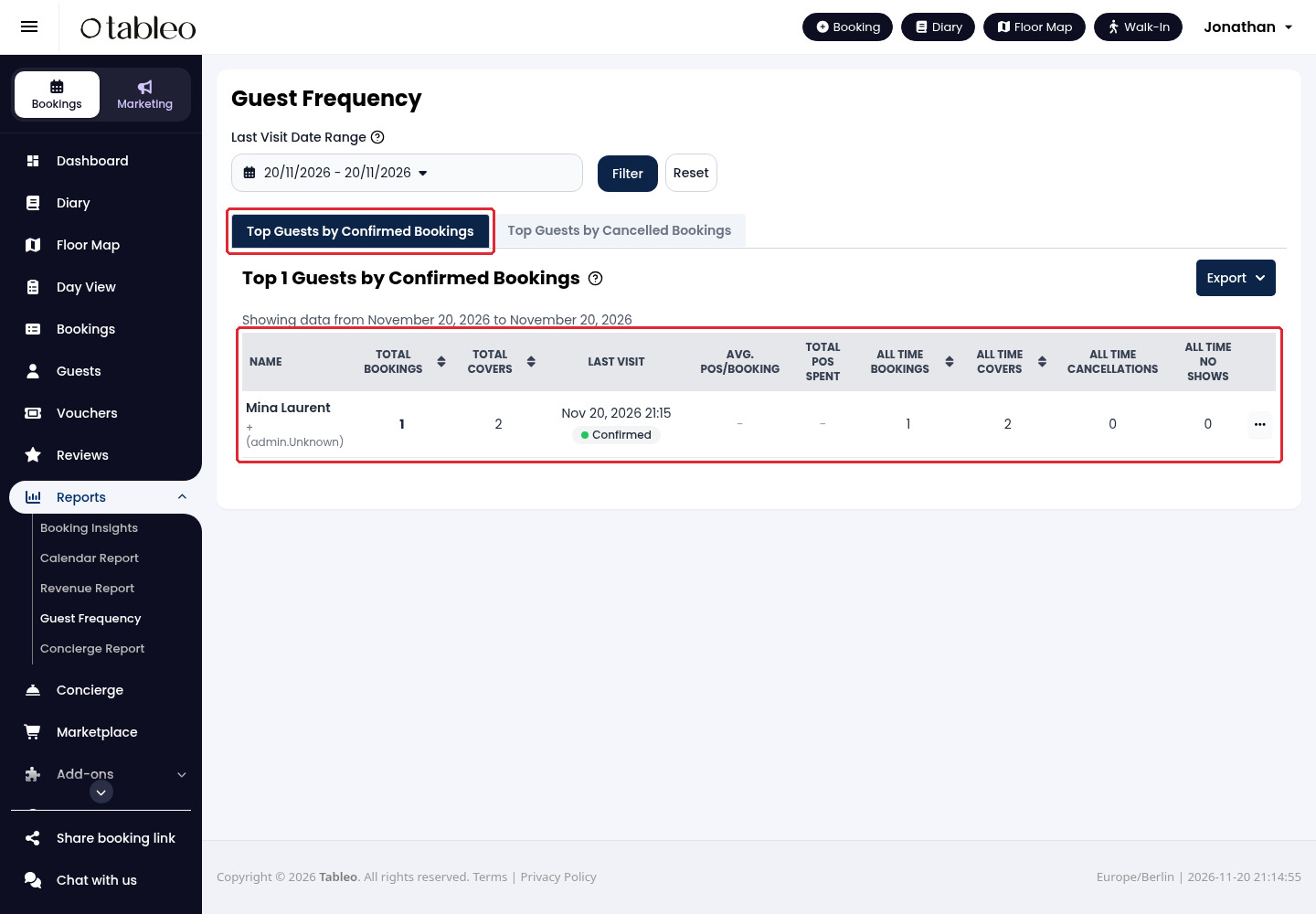
3. Open Top Guests by Confirmed Bookings to find the guests with the highest number of confirmed bookings. Review Total Bookings, Total Covers and Last Visit alongside the separate All Time Bookings and All Time Covers columns.
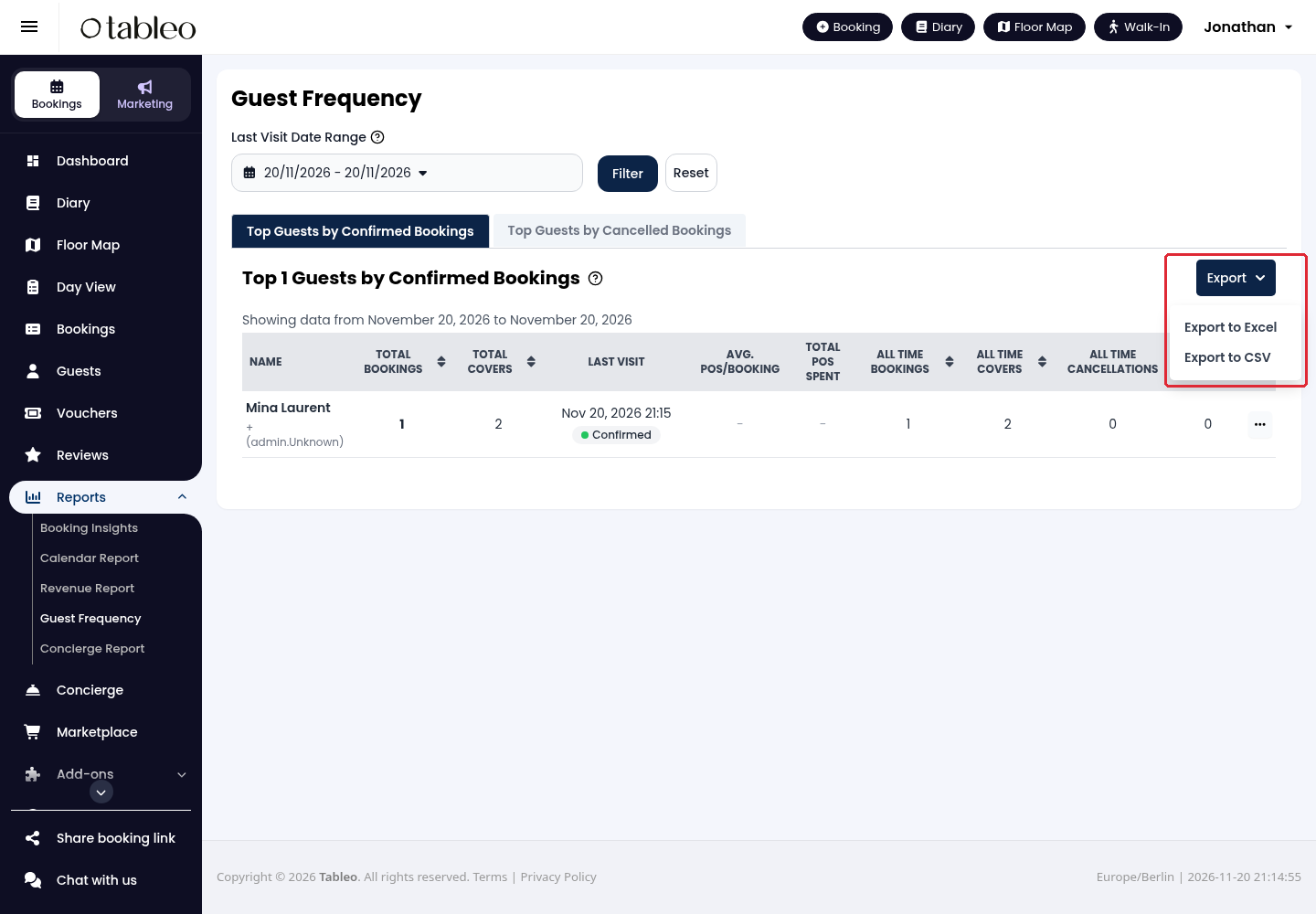
4. To download the displayed report, click on Export and choose Export to Excel or Export to CSV.
Keep exported guest information secure and share it only with authorised staff.
While we strive to ensure the accuracy and currency of the information in our knowledge base, some articles may contain minor discrepancies due to the constant evolution of our services and products.
Was this article helpful?
That’s Great!
Thank you for your feedback
Sorry! We couldn't be helpful
Thank you for your feedback
Feedback sent
We appreciate your effort and will try to fix the article