Bookia gift vouchers can be spent at participating restaurants in Malta and Gozo. Participation is optional.
1. Expand Add-ons in the side menu.
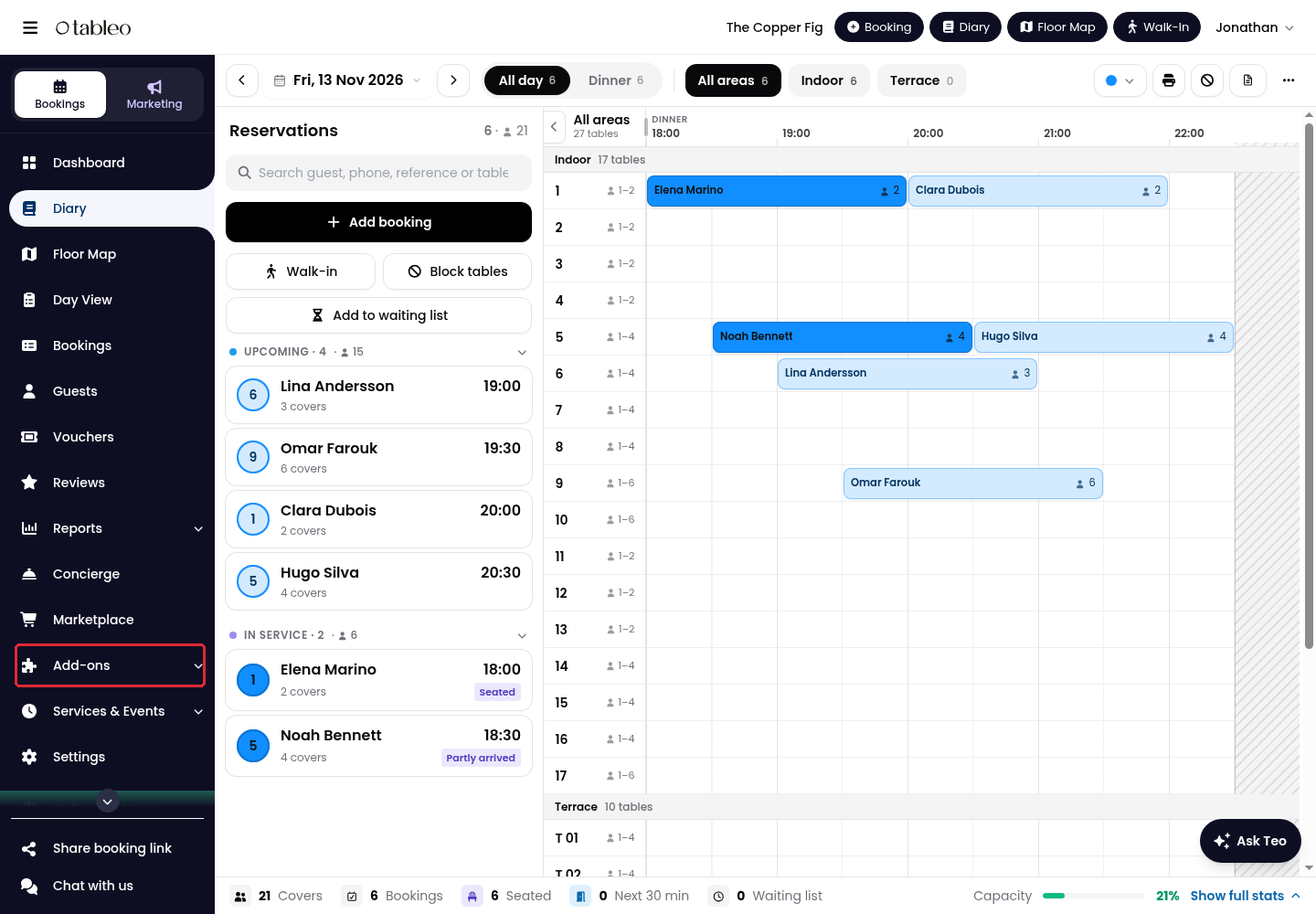
2. Click on Bookia gift vouchers.
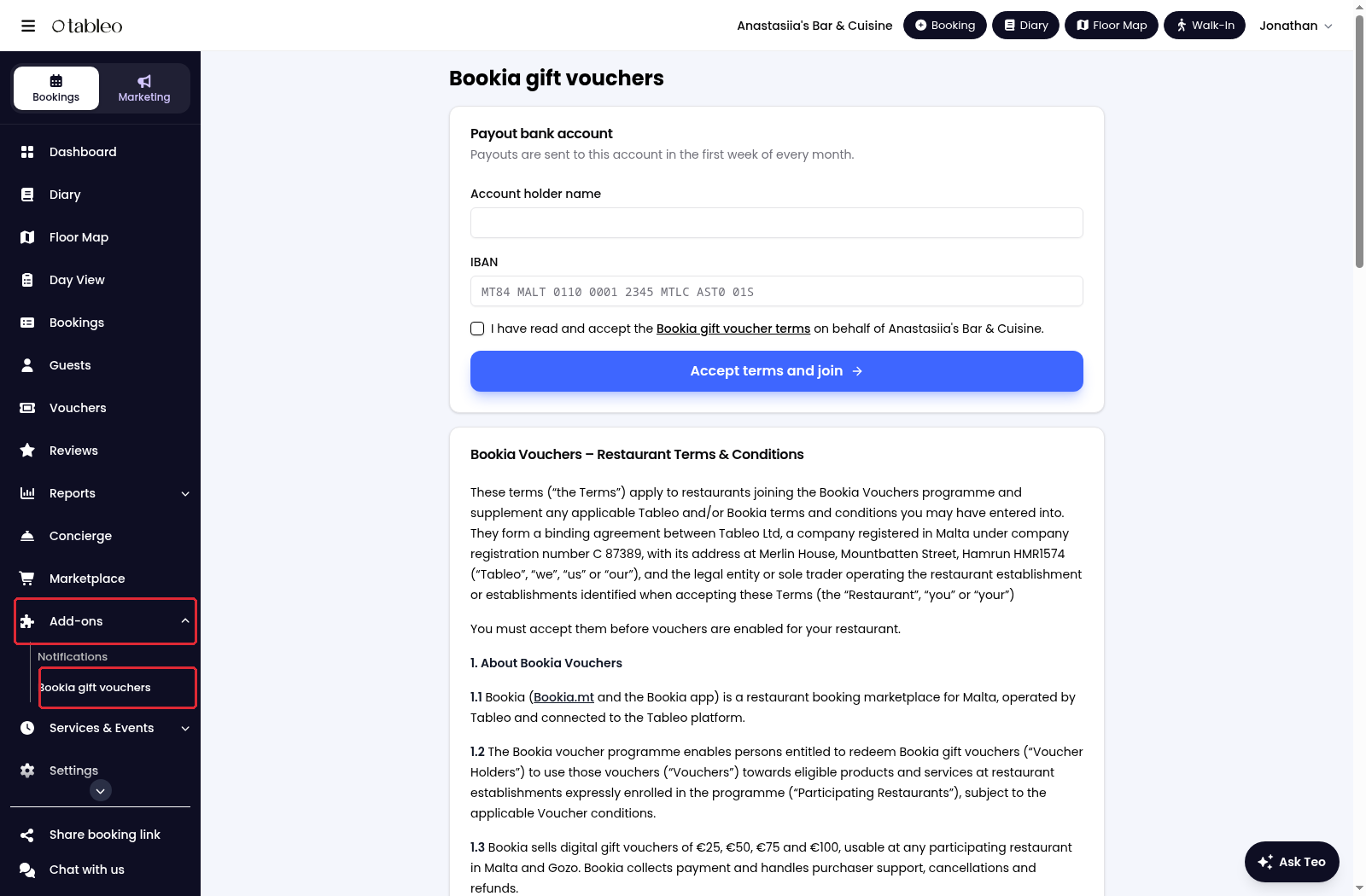
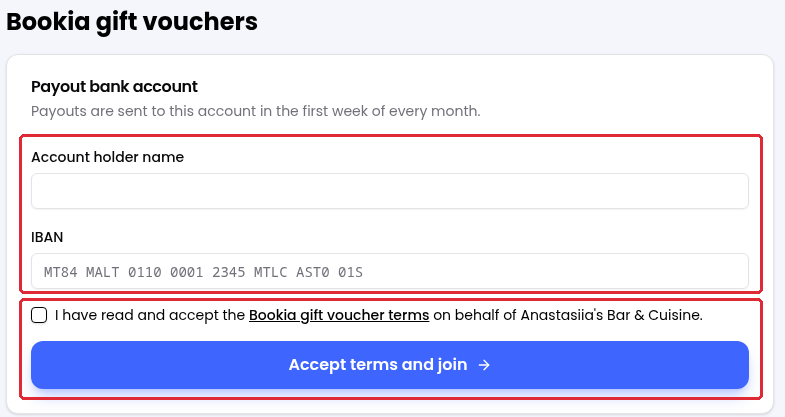
3. Under Payout bank account, enter the Account holder name and the IBAN for voucher payouts.
4. Read the Bookia gift voucher terms, tick the acceptance box on behalf of your restaurant, then click on Accept terms and join.
Good to know
There are no restaurant participation fees or commission. Bookia pays the full face value of vouchers redeemed in Tableo in the first week of the following month. Vouchers must be enabled through acceptance of the terms before guests can redeem them at your restaurant.
For questions, contact Customer Service through Chat with us.
While we strive to ensure the accuracy and currency of the information in our knowledge base, some articles may contain minor discrepancies due to the constant evolution of our services and products.
Was this article helpful?
That’s Great!
Thank you for your feedback
Sorry! We couldn't be helpful
Thank you for your feedback
Feedback sent
We appreciate your effort and will try to fix the article