Use the Reviews embed code to display your Tableo guest reviews on your website.
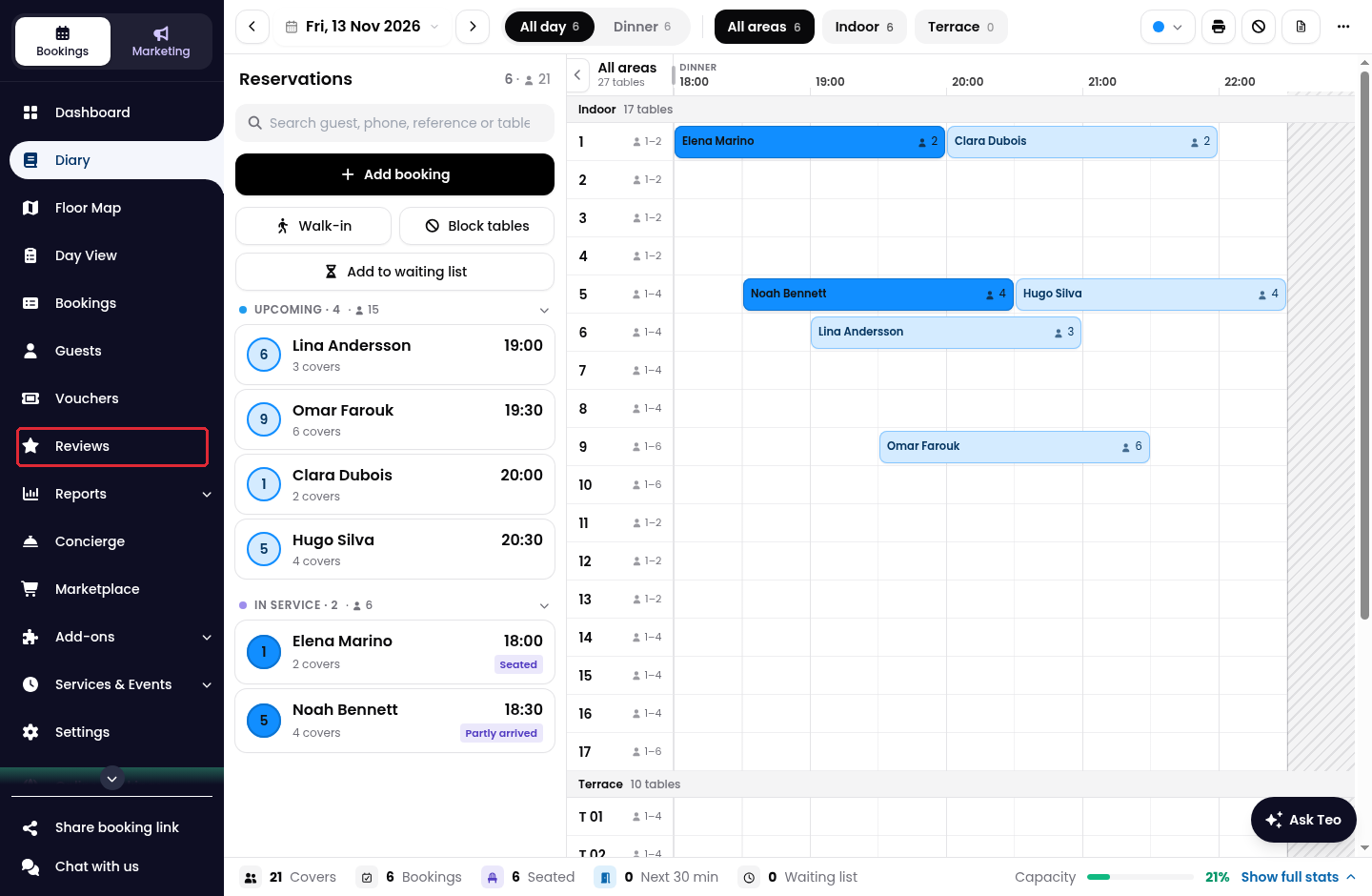
1. Click on Reviews in the side menu.
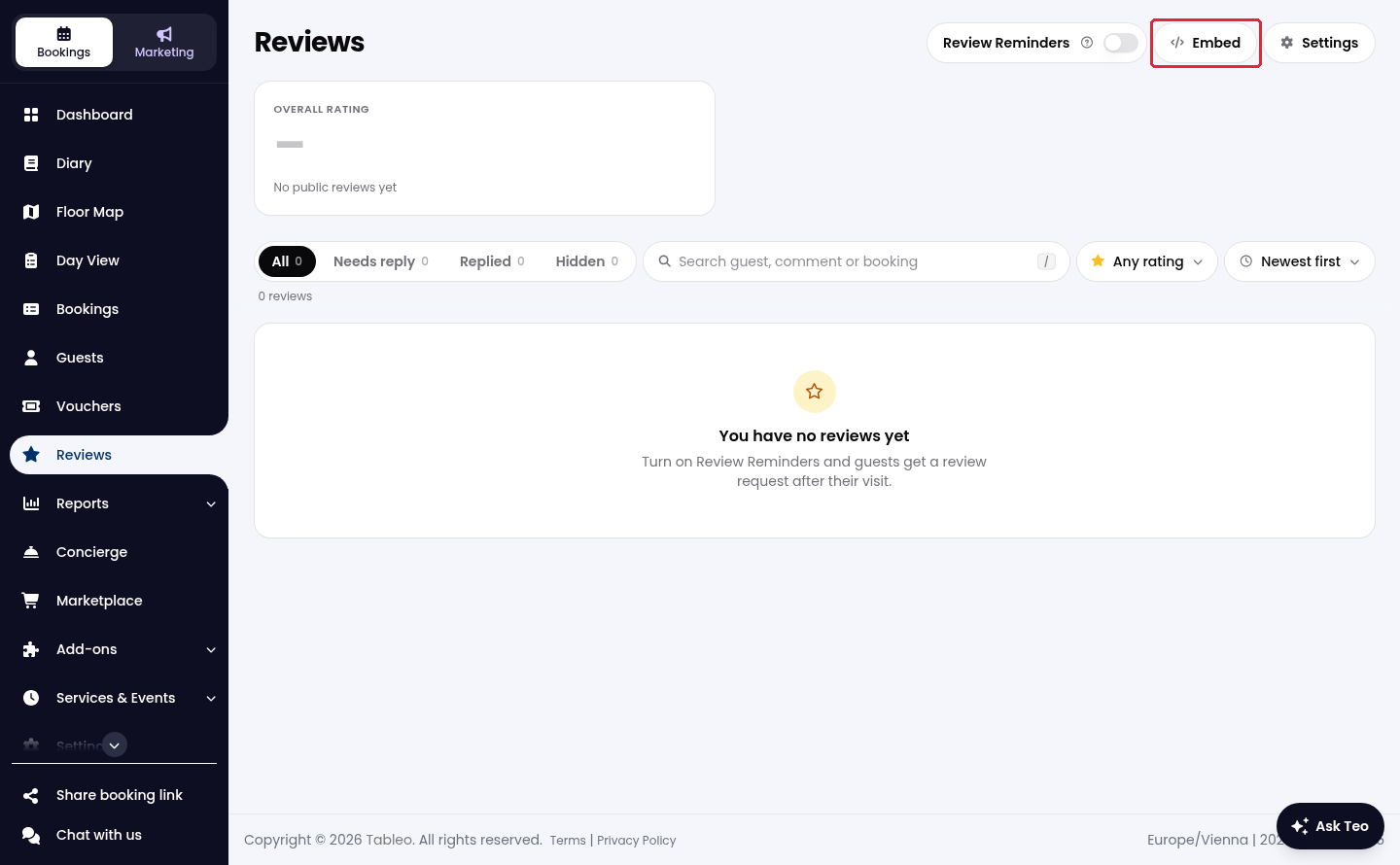
2. Click on Embed at the top right.
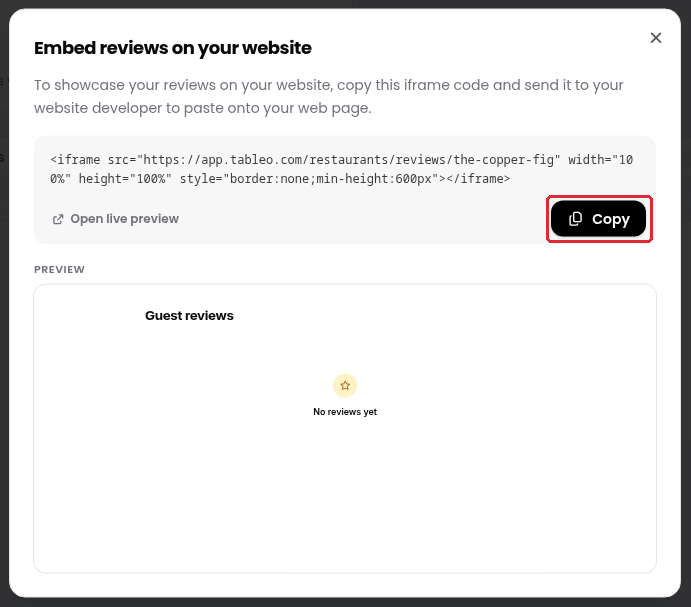
3. In Embed reviews on your website, click on Copy to copy the iframe code.
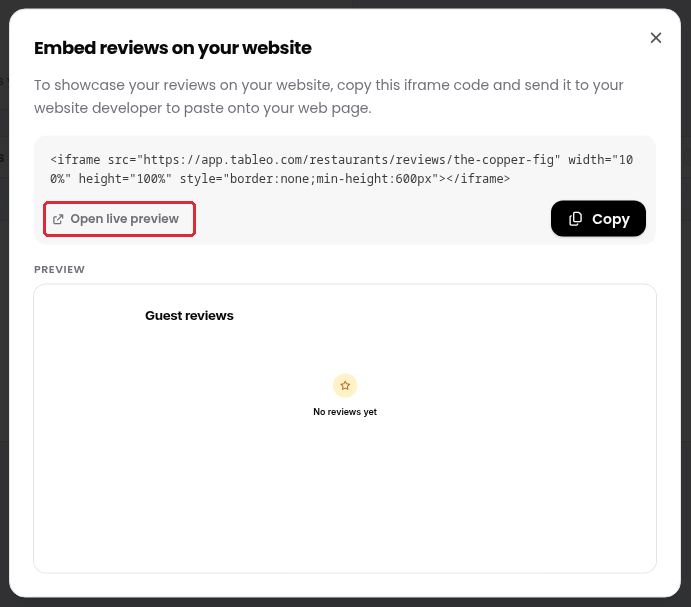
4. Check the Preview in the dialog, or click on Open live preview to view the review page.
5. Send the copied iframe code to your website developer and ask them to add it to the web page where you want your reviews to appear. If you manage the website yourself, use the appropriate HTML or embed area in your website editor. Check your website preview before making the page live.
While we strive to ensure the accuracy and currency of the information in our knowledge base, some articles may contain minor discrepancies due to the constant evolution of our services and products.
Was this article helpful?
That’s Great!
Thank you for your feedback
Sorry! We couldn't be helpful
Thank you for your feedback
Feedback sent
We appreciate your effort and will try to fix the article