Use Reviews to view guest feedback, find reviews needing a reply, and choose what appears on your public Tableo review page.
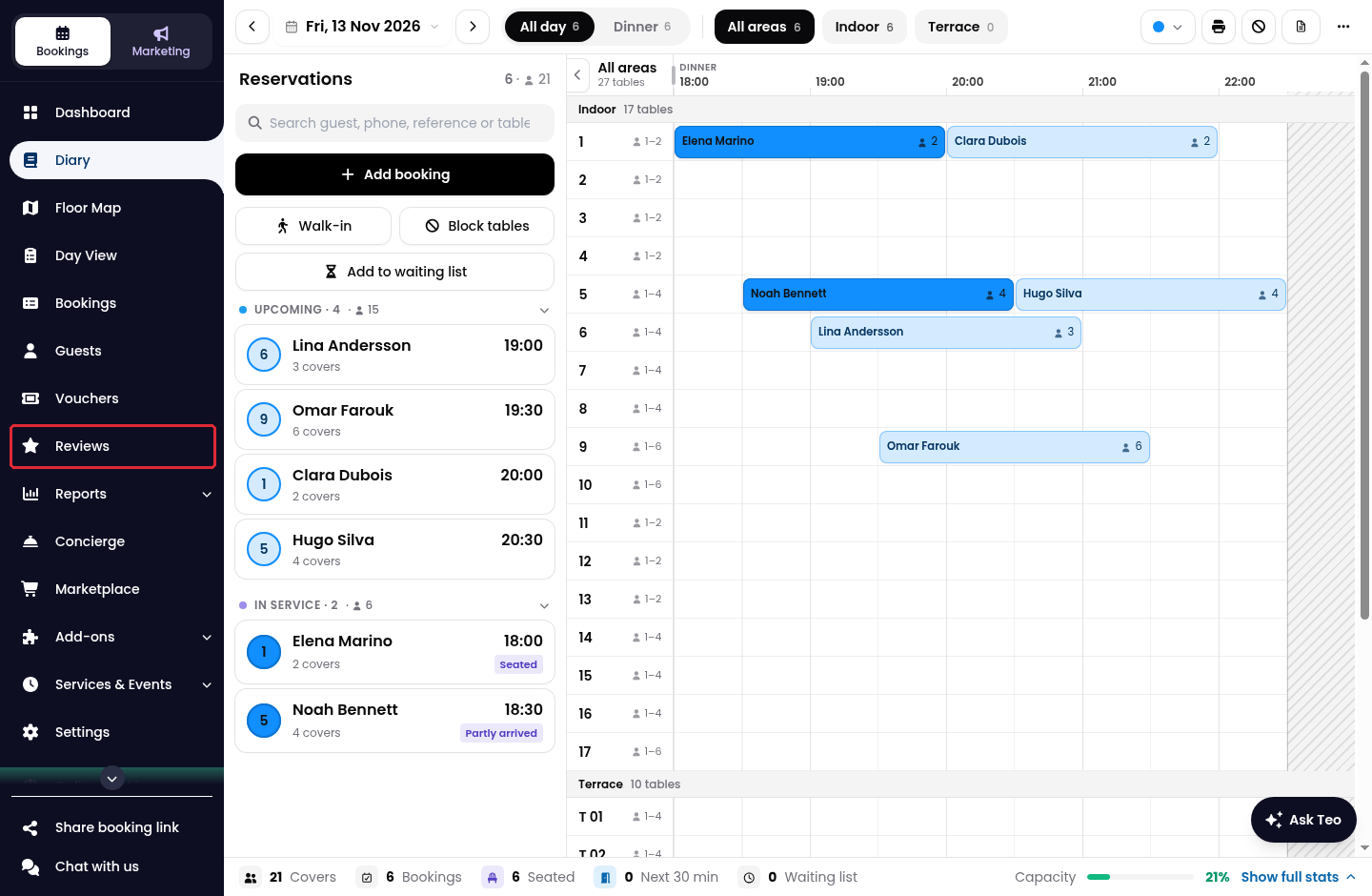
1. Click on Reviews in the side menu.
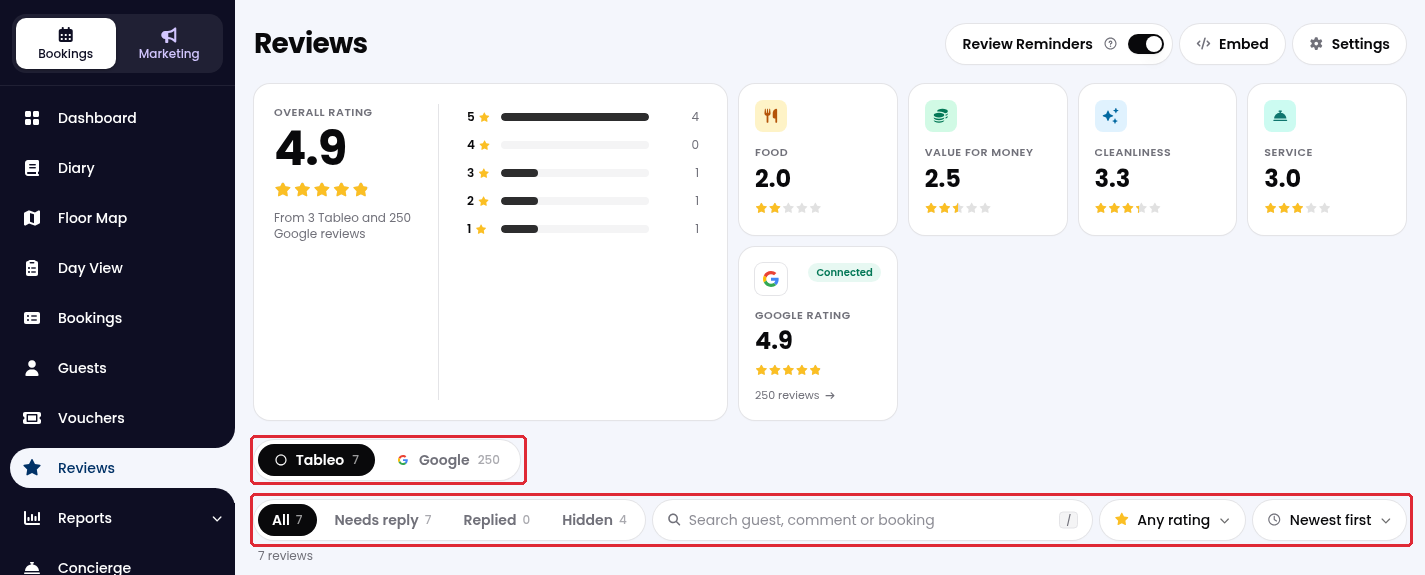
2. Check the overall rating and category scores. Use All, Needs reply, Replied or Hidden, the search box and the rating filter to find a review. Where available, the Tableo and Google tabs separate the review sources.
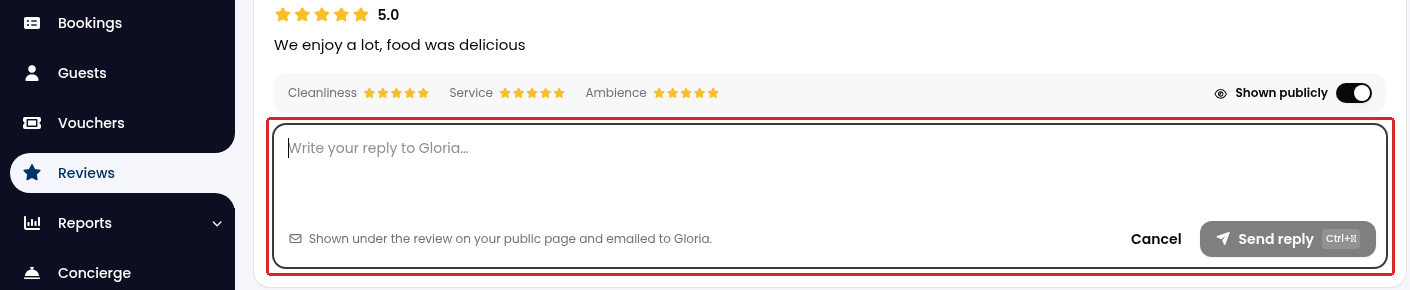
3. For a Tableo review, click on Reply to beside the guest’s name, write your response, and click on Send reply. The reply appears under the review on your public page and is emailed to the guest.
For Google reviews, your reply is posted publicly on your Google Business Profile.
4. Use the visibility switch on a Tableo review to show or hide it on your public review page.

While we strive to ensure the accuracy and currency of the information in our knowledge base, some articles may contain minor discrepancies due to the constant evolution of our services and products.
Was this article helpful?
That’s Great!
Thank you for your feedback
Sorry! We couldn't be helpful
Thank you for your feedback
Feedback sent
We appreciate your effort and will try to fix the article