Add public review links so guests can leave feedback on Google, Facebook or TripAdvisor from their review email.
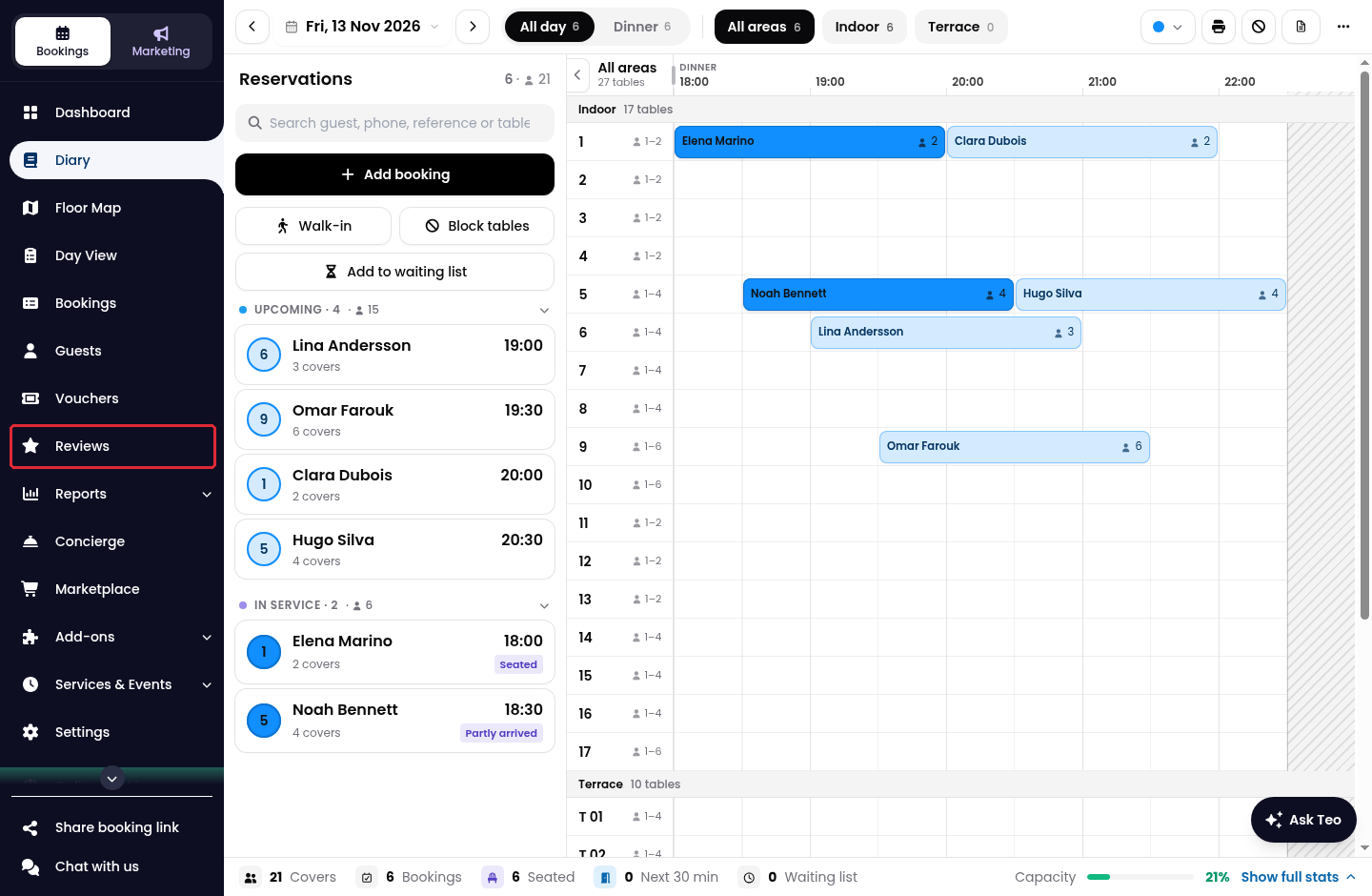
1. Click on Reviews in the side menu.
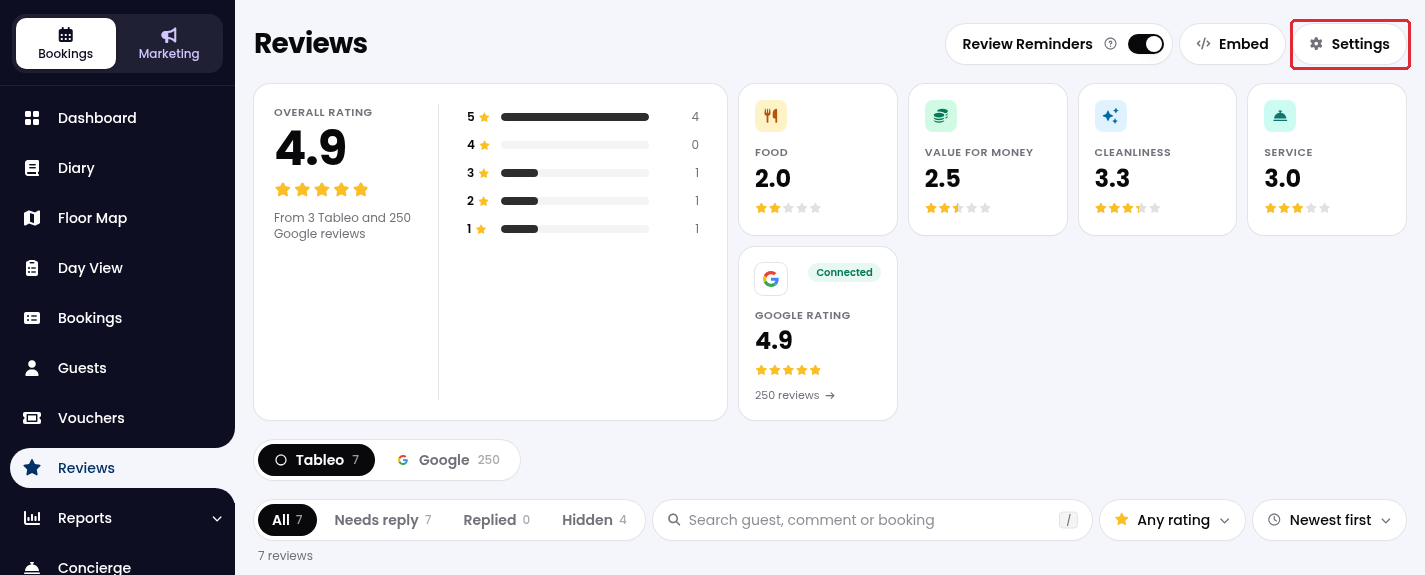
2. Click on Settings at the top right.
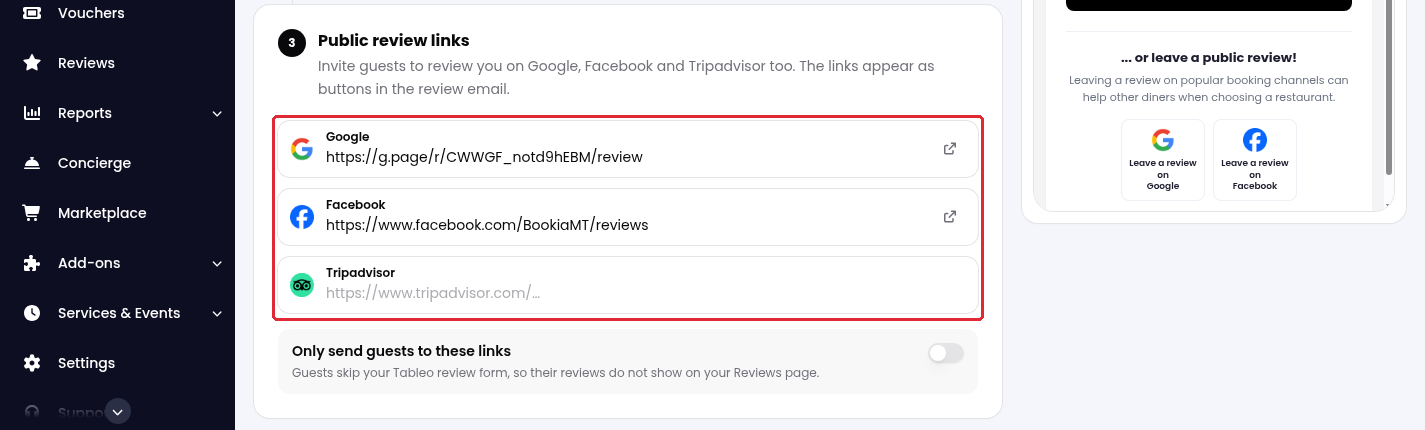
3. Scroll down to Public review links and paste the review link for each channel you want to offer.
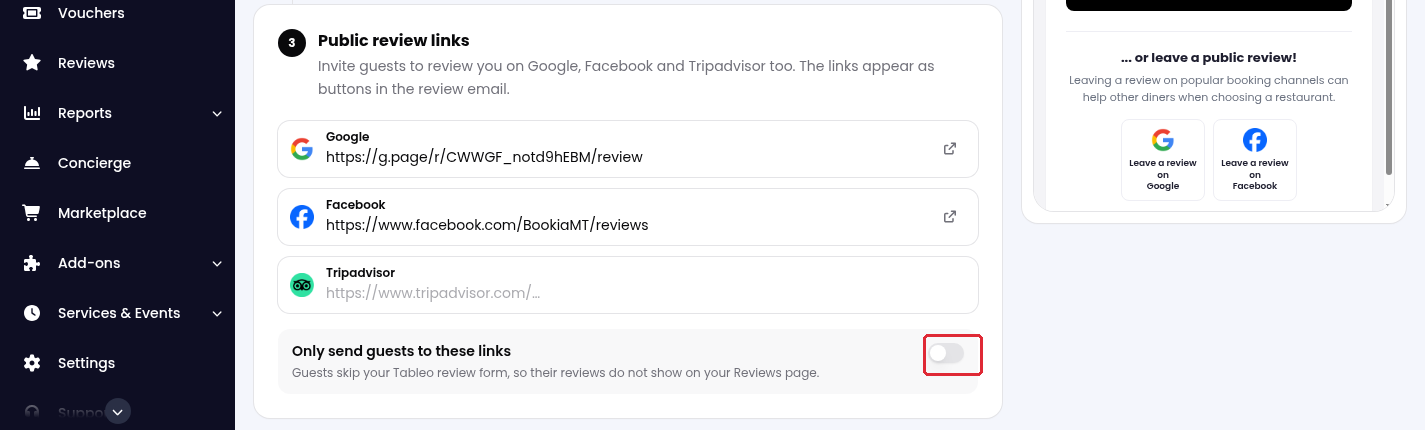
4. Turn on Only send guests to these links if you want guests to skip the Tableo review form. In this mode, their reviews do not appear on your Tableo Reviews page.
5. Click on Save links to apply your changes.
While we strive to ensure the accuracy and currency of the information in our knowledge base, some articles may contain minor discrepancies due to the constant evolution of our services and products.
Was this article helpful?
That’s Great!
Thank you for your feedback
Sorry! We couldn't be helpful
Thank you for your feedback
Feedback sent
We appreciate your effort and will try to fix the article